
Track · 12 lessons · 21 min
MagOneAI Nodes Explained
One lesson per node on the canvas. What each one is for, what it costs, and when to reach for a different one instead.
Lessons in this track
- 01
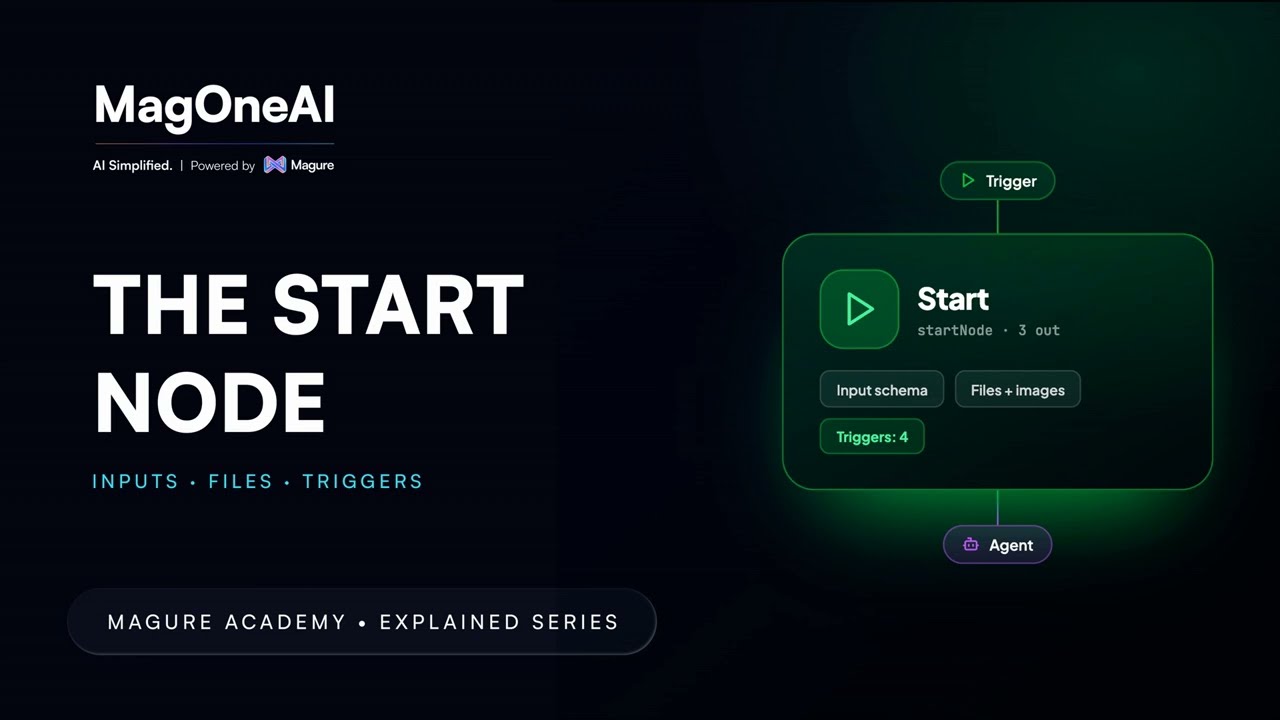
START Node: Workflow Inputs and Validation
Open the Start node and declare what a workflow needs: pick the default model, choose how data moves between nodes, then define input fields (string, number, enum, array, object, image, media, file) with the constraints each type allows.
Beginner2:02 - 02
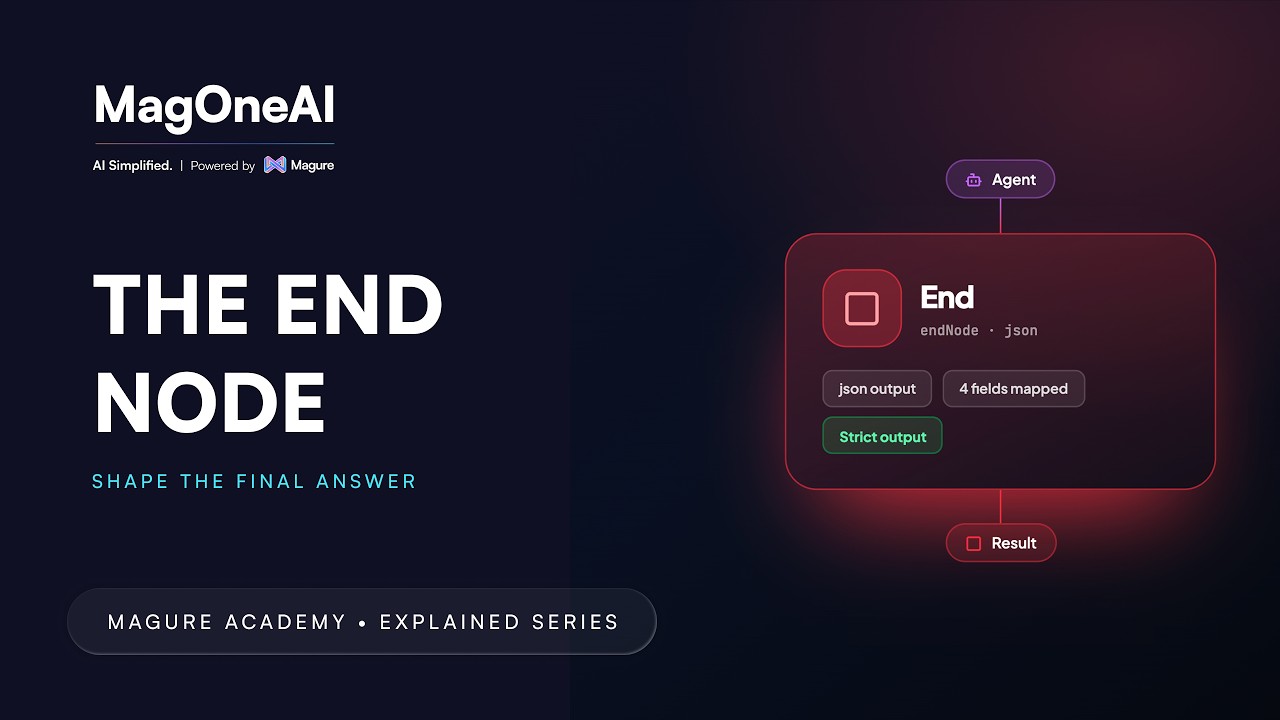
END Node: Structured Workflow Outputs
Define what a workflow returns: choose an output format, map exactly which fields reach the result, and decide whether strict mode limits the response to what you mapped or lets everything from the last node through.
Beginner0:48 - 03
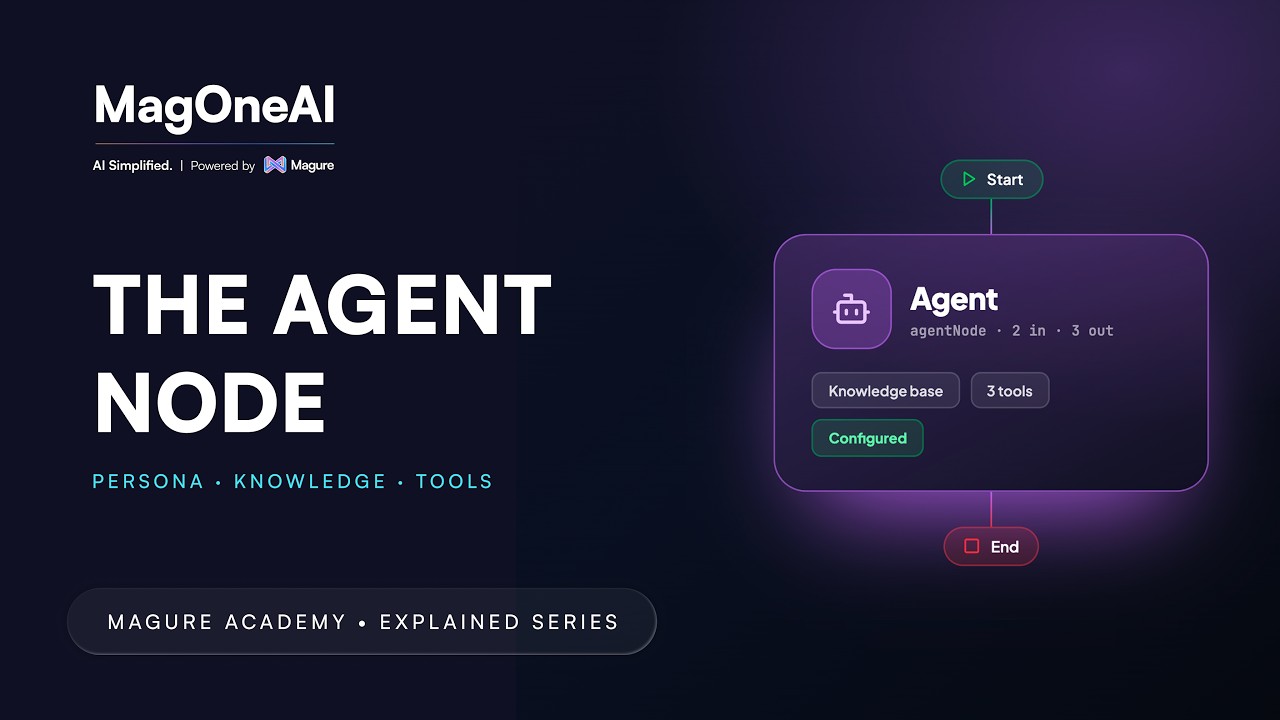
AGENT Node: Persona, Knowledge and Tools
Everything else in a workflow moves data, calls systems or branches. Only the AGENT node reads, decides and writes in language: an instruction, a model, and whatever knowledge or tools you attach.
Beginner2:26 - 04
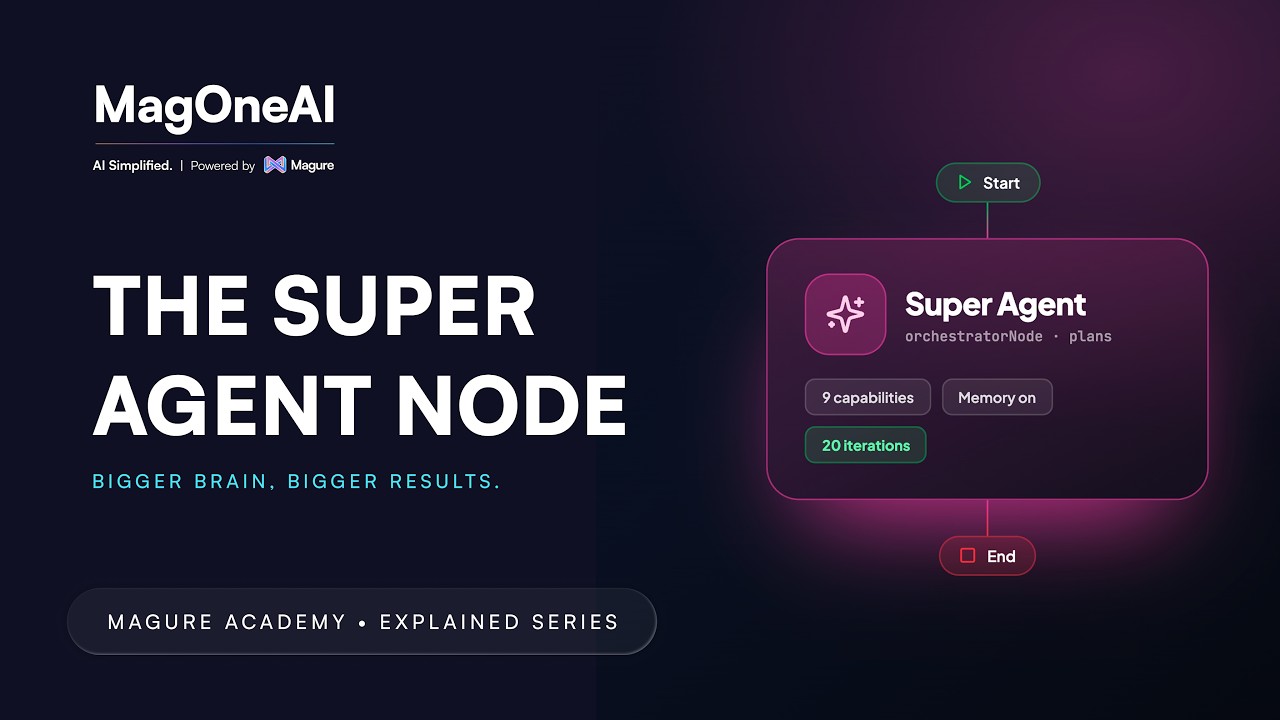
SUPER AGENT Node: Delegating to Specialist Agents
Instead of one enormous instruction, a SUPER AGENT holds several specialist agents as delegates and decides which one answers which part of the question.
Advanced2:50 - 05
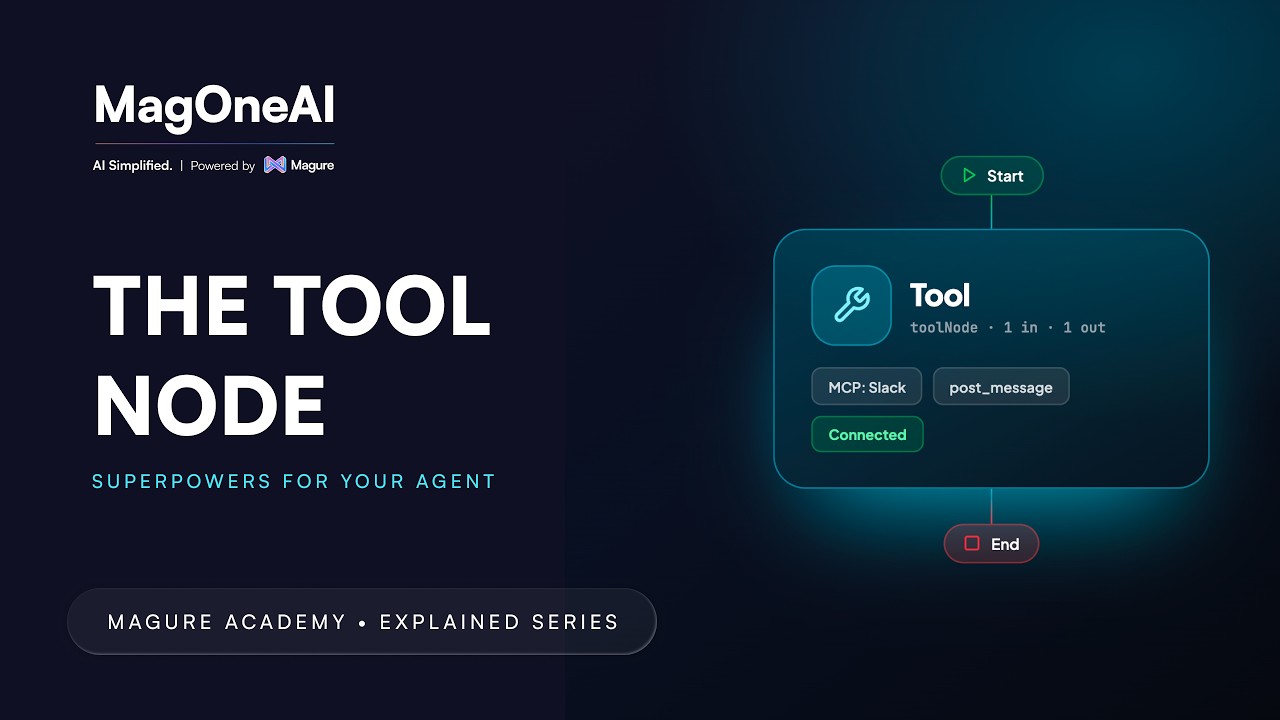
TOOL Node: Deterministic Tool Execution
Call a system or MCP tool with no model in the loop. Pick the tool, whether that is a database query, a web search or a calendar, watch the configuration change to match it, and set a timeout so a slow tool cannot stall the run.
Professional1:34 - 06
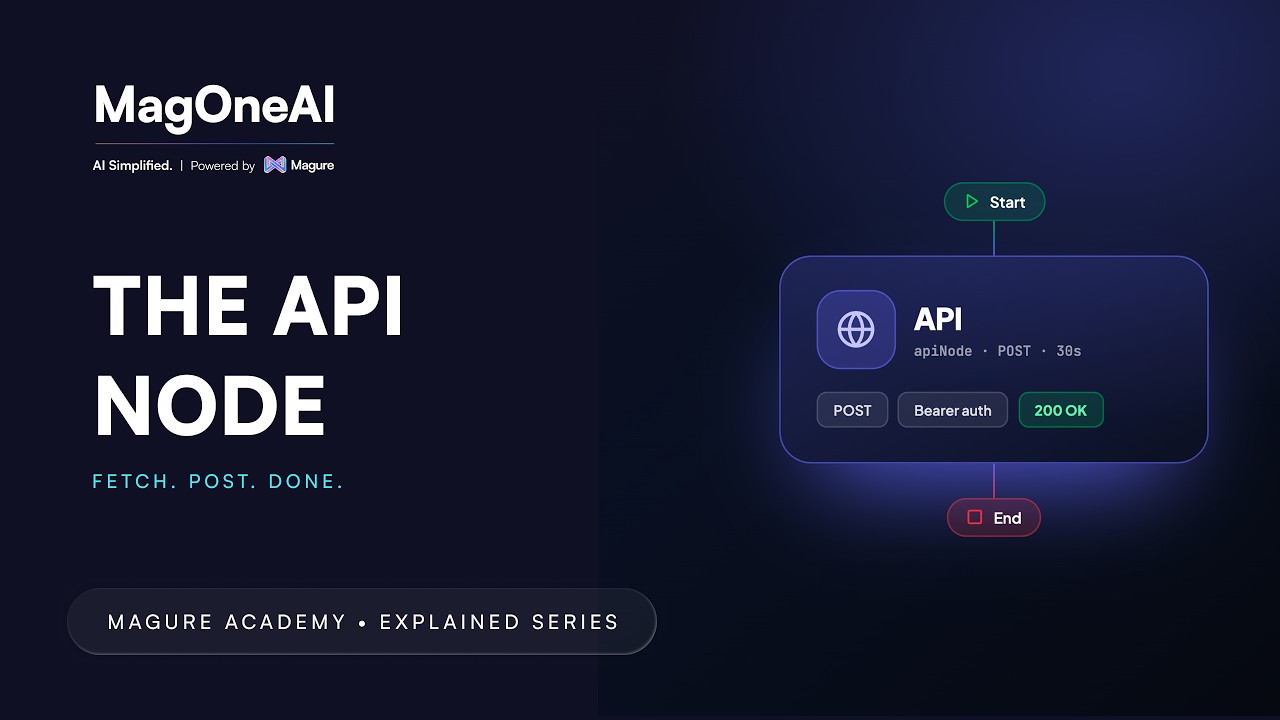
API Node: Direct REST Integration
Call a third-party REST API straight from the canvas: method, URL, query parameters, headers and body, then the settings that keep it safe in production: timeout, max response size, redirects, and which status codes count as failure.
Professional1:44 - 07
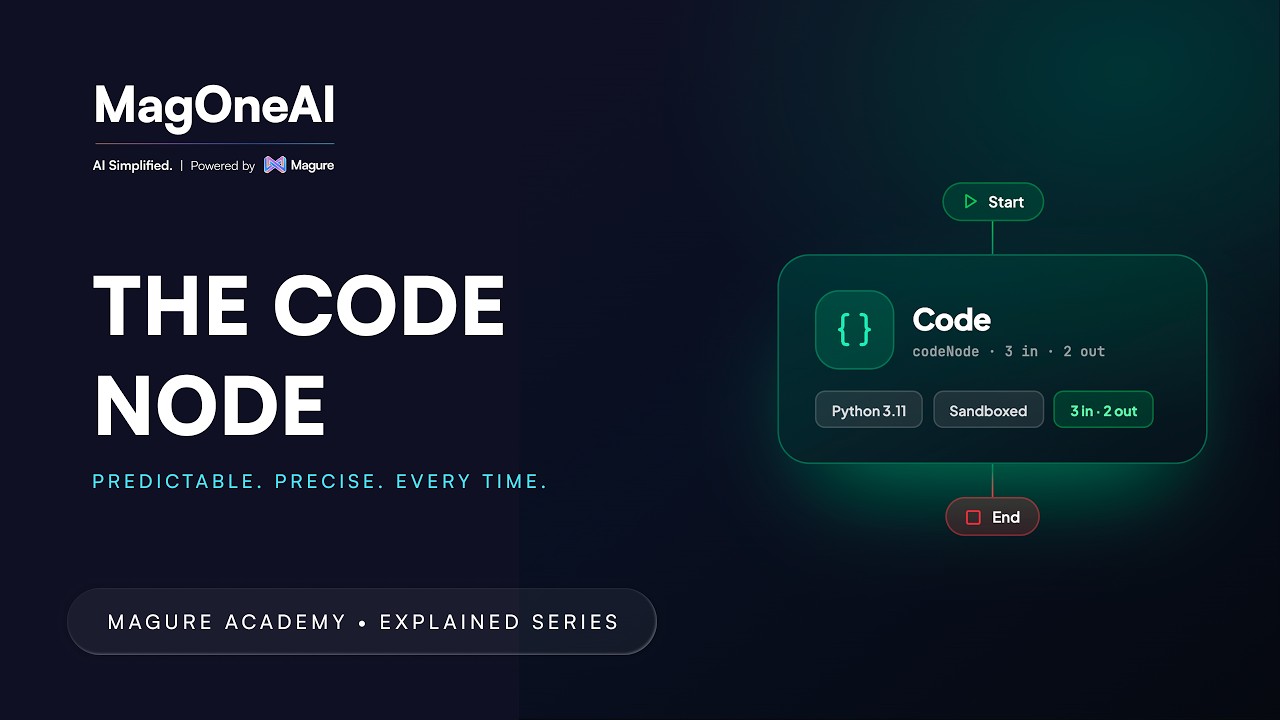
CODE Node: Sandboxed Data Transformation
Run sandboxed code instead of prompting for it. Declare an input model and an output model, then write the logic, reading from inputs and assigning to the output, for the parsing and transformation a language model has no business doing.
Professional1:08 - 08
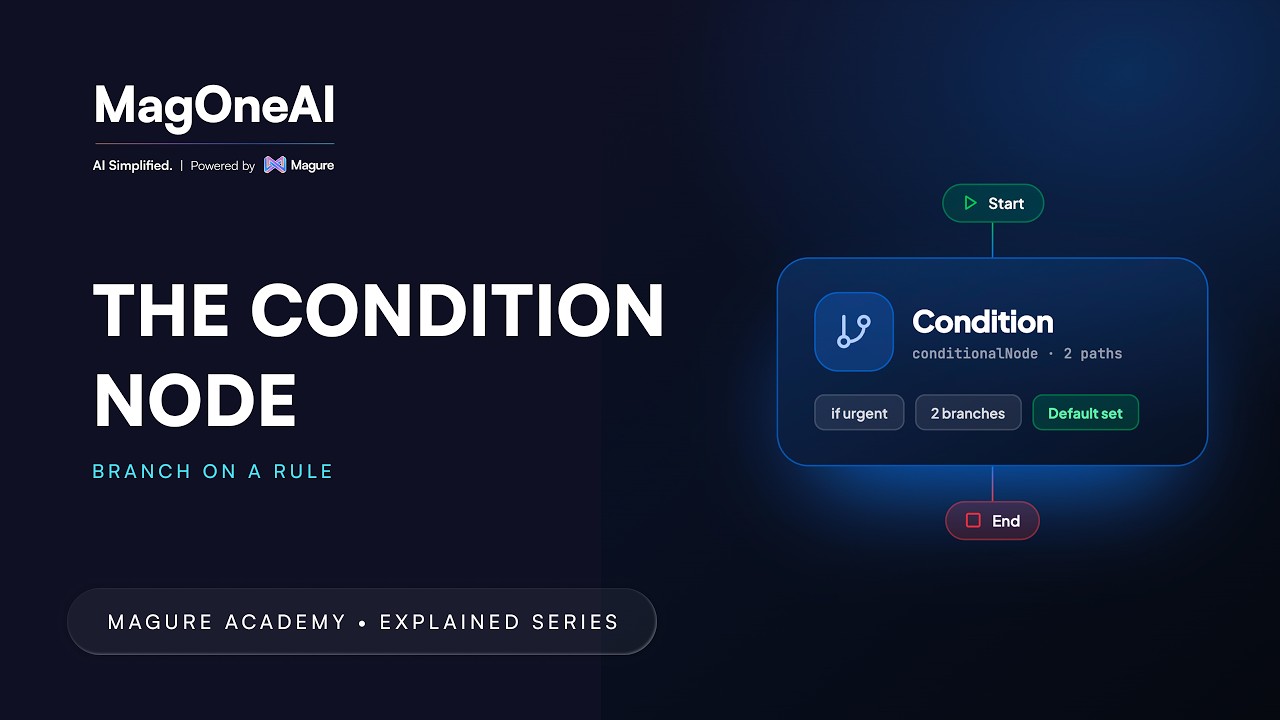
CONDITION Node: Rule-Based and AI-Based Routing
Branch a workflow three ways: compare a variable, evaluate an expression, or let a model sort the input into buckets you name. Includes match-per-route, for several branches out of a single node.
Professional2:16 - 09
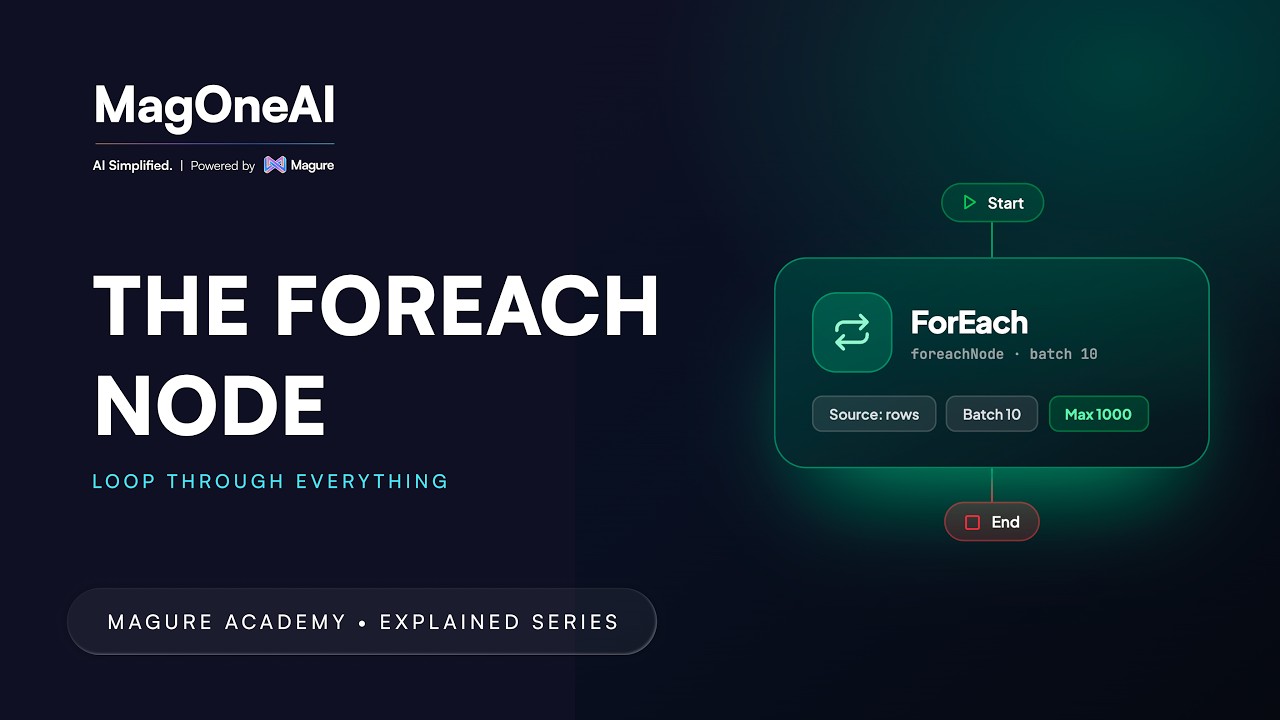
FOREACH Node: One Run Per Item, in Parallel
Point a FOREACH node at any list and it repeats one child run per item, in parallel, so one bad row never touches the rest.
Professional2:10 - 10
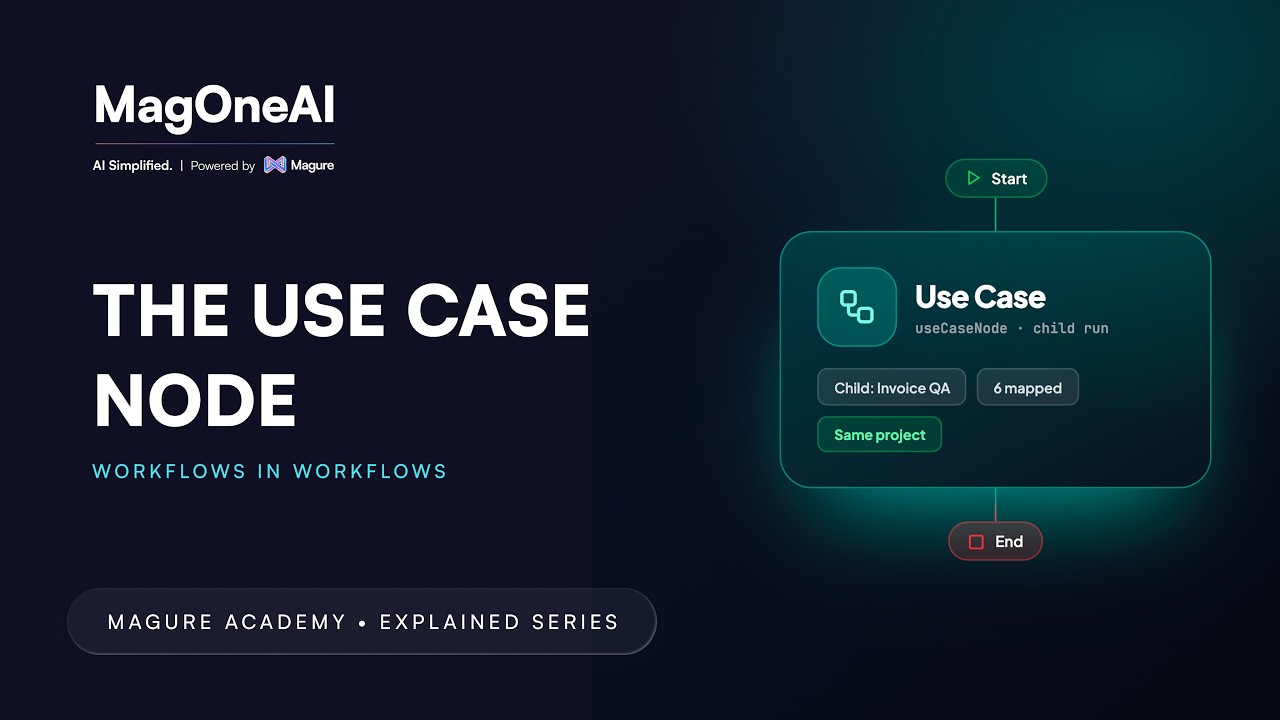
USE CASE Node: Reusable Workflows as a Single Step
When two workflows need the same check, the copies start to drift. Build it once and call it as a single step: the child's START inputs become the node's inputs, and its END mapping becomes the node's outputs.
Professional1:38 - 11
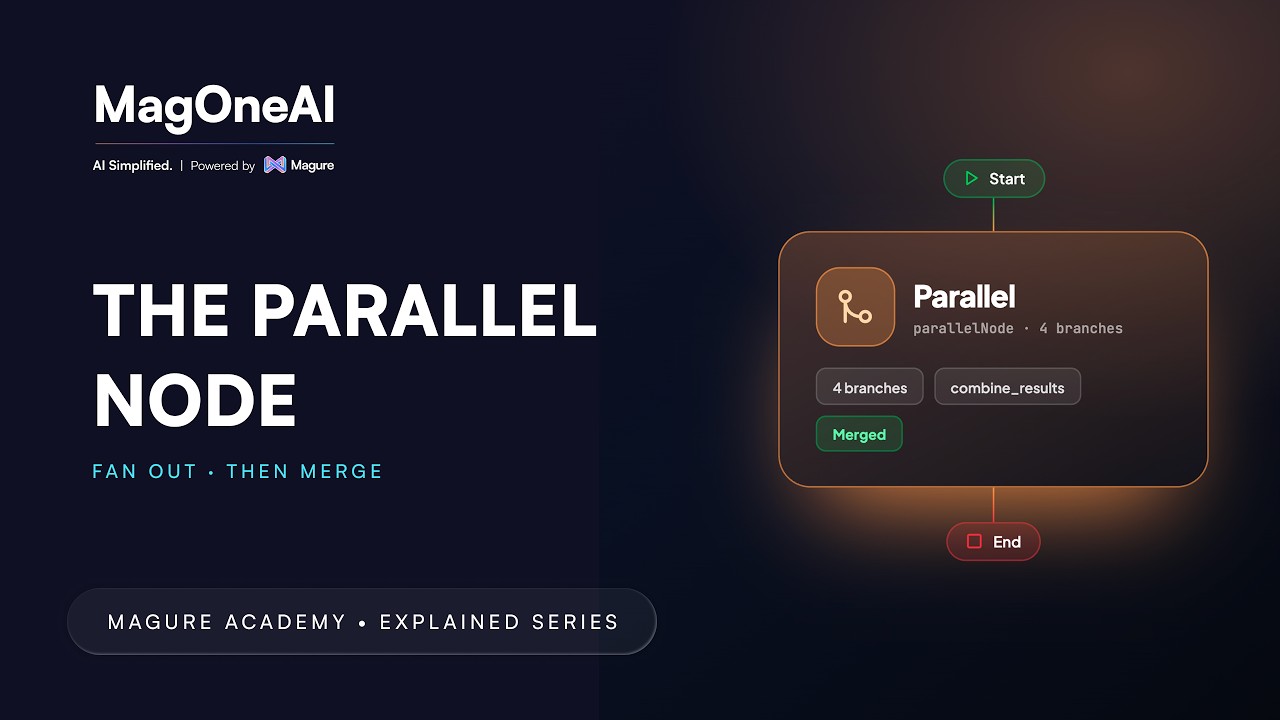
PARALLEL Node: Concurrent Execution and Merge Strategies
Run agents at the same time instead of one after another. Give each its own branch, add conditions if a branch should only sometimes run, then choose a merge strategy for how the results come back together.
Professional1:26 - 12
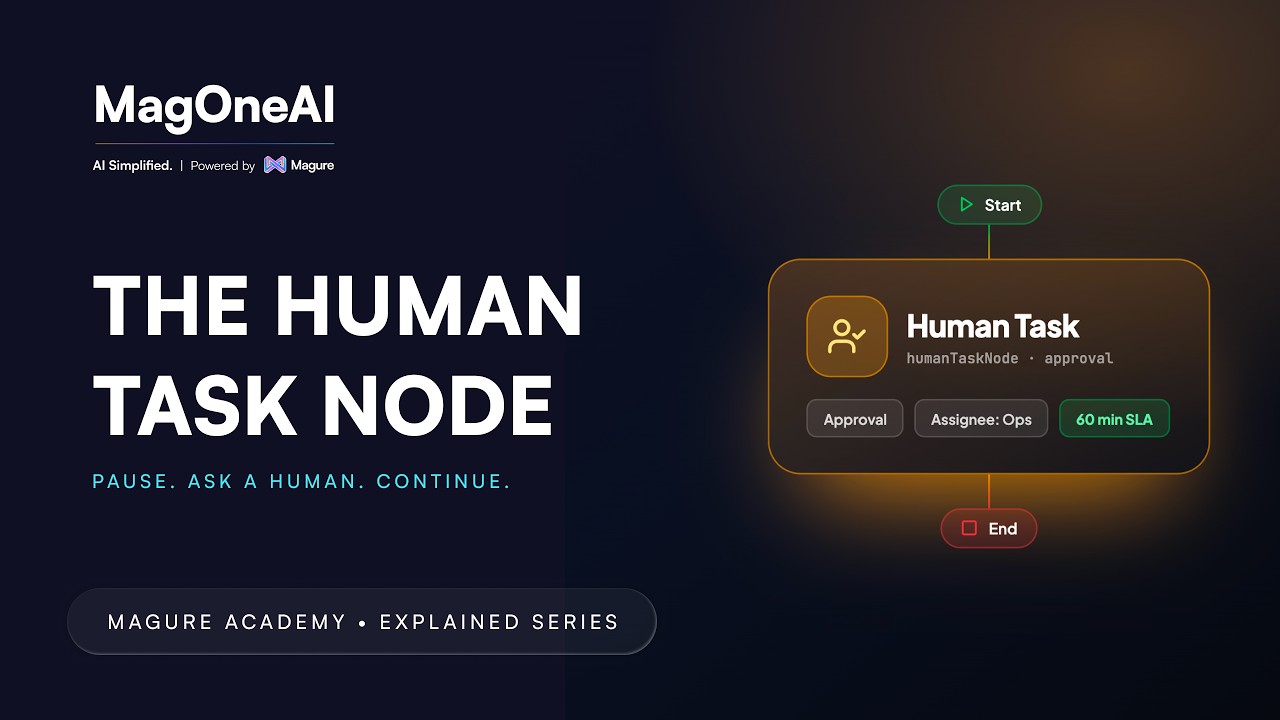
HUMAN TASK Node: Approval and Escalation Workflows
Pause a run and ask a person. Set up an approval or a clarification task, choose who it goes to and what context they see, then route the workflow on the answer that comes back.
Professional1:25