

How-toBeginner
Role-Based Access: Projects, Roles and Permissions
Invite someone into your organization, put them on the right project, and give them a role that matches the job, then confirm it worked by running a workflow with their access.
2:13
Video lessons · 39 lessons
Filter the whole catalogue by track or level, or search it from the header.
39 lessons shown
Invite someone into your organization, put them on the right project, and give them a role that matches the job, then confirm it worked by running a workflow with their access.
2:13
Connect a model provider to MagOneAI: name a config, store the API key in KeyVault, load the provider's models, set what each one is allowed to do, test it, and cap cost per token before you create it.
1:53
An API key pasted into a workflow travels wherever the workflow goes. Save it once into the vault instead, and from then on MagOneAI only ever shows a masked preview while workflows use it without seeing it.
1:38
Agents can converse, but they cannot search the web or send mail on their own. MCP servers give them tools. Connect the Outlook server over OAuth, read its tool schemas, and prove a call works before any workflow depends on it.
2:37
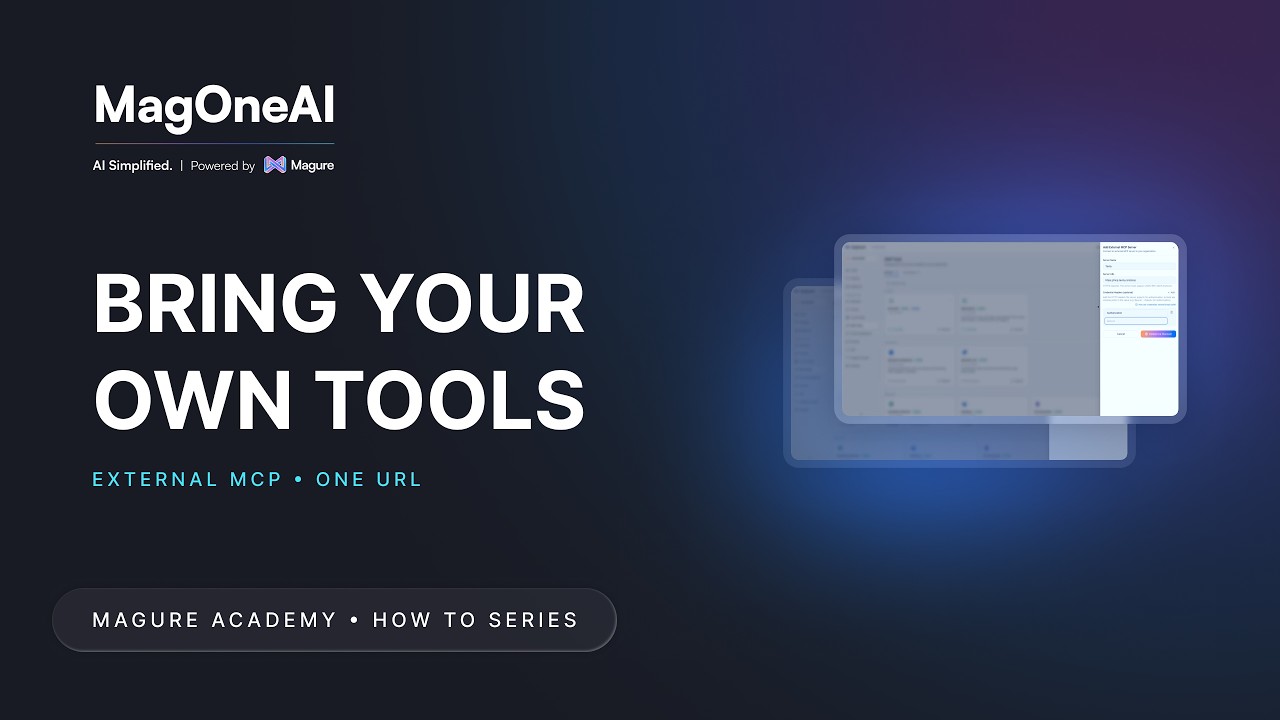
The platform tools cover the common cases, but your business runs on more. If a system already has an MCP server, paste one HTTPS URL, add the headers it expects, and MagOneAI discovers its tools for you.
1:34
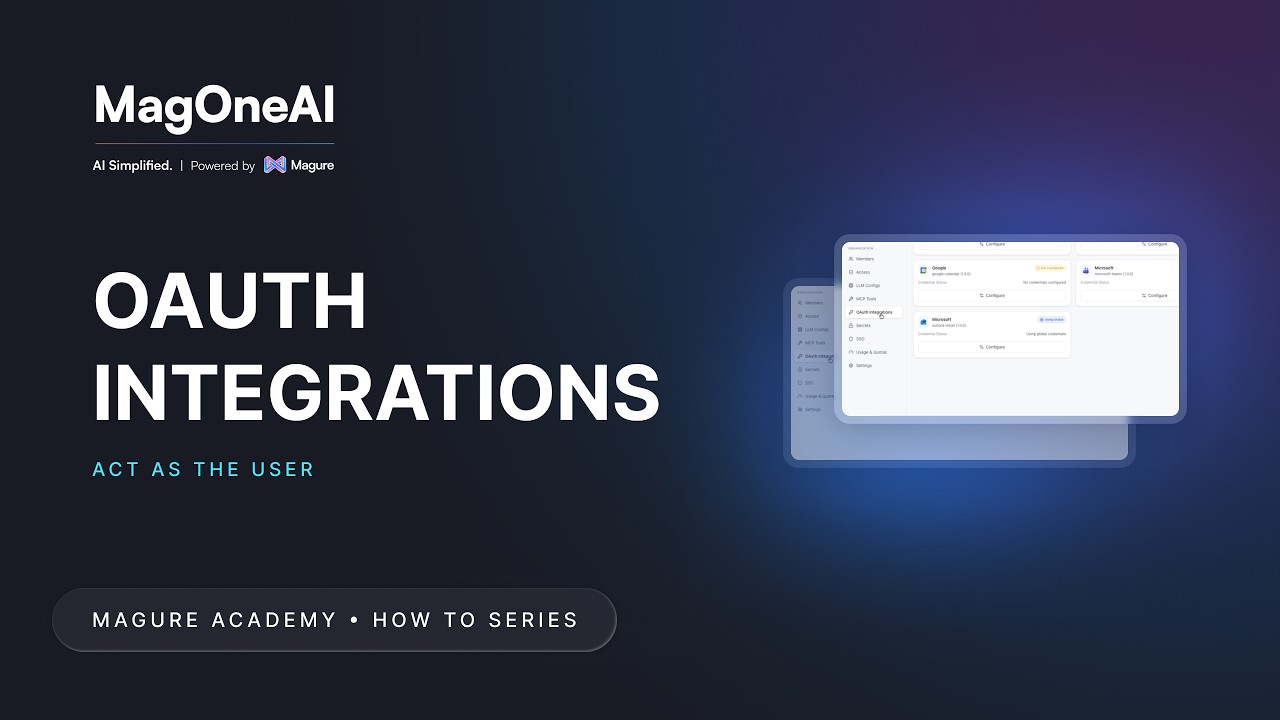
A shared service account can send an email, but not as you. OAuth lets a tool act on behalf of the person who signed in: register the OAuth app once for the organization, then each person connects their own account.
0:56
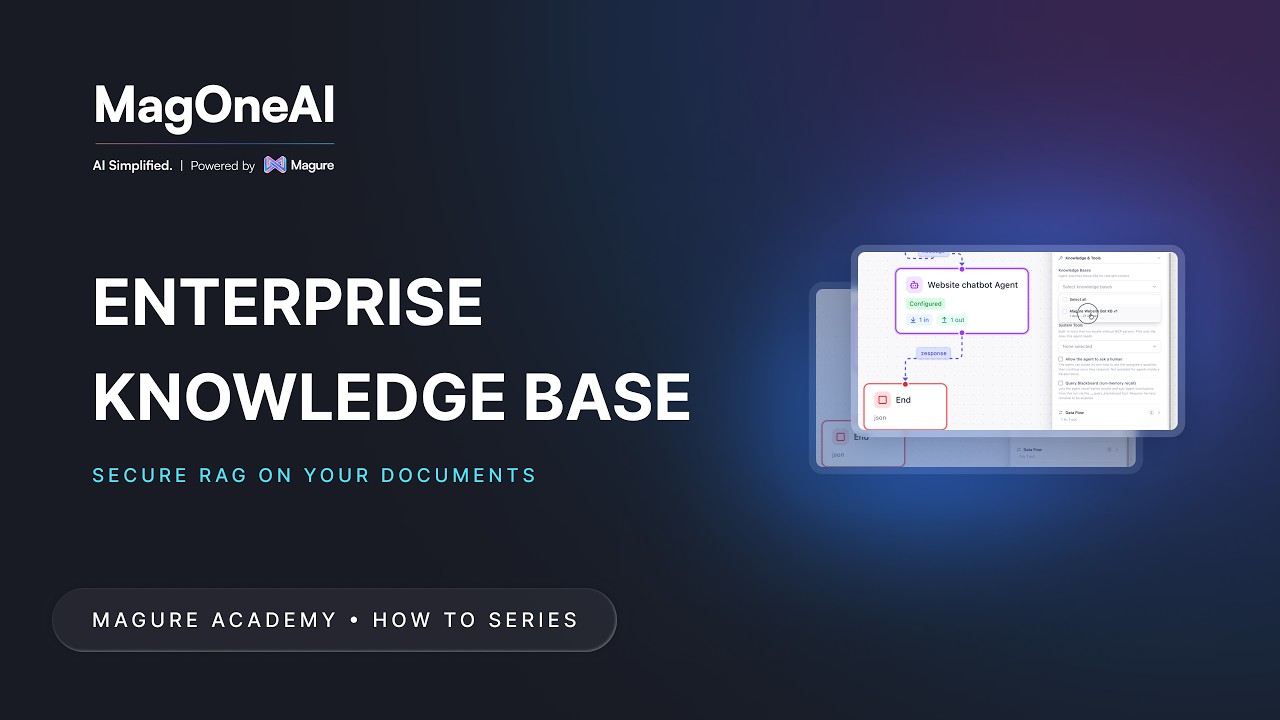
Create a knowledge base, configure how it chunks your documents, attach it to an agent, and tune retrieval until the agent answers from your own content instead of guessing.
3:42
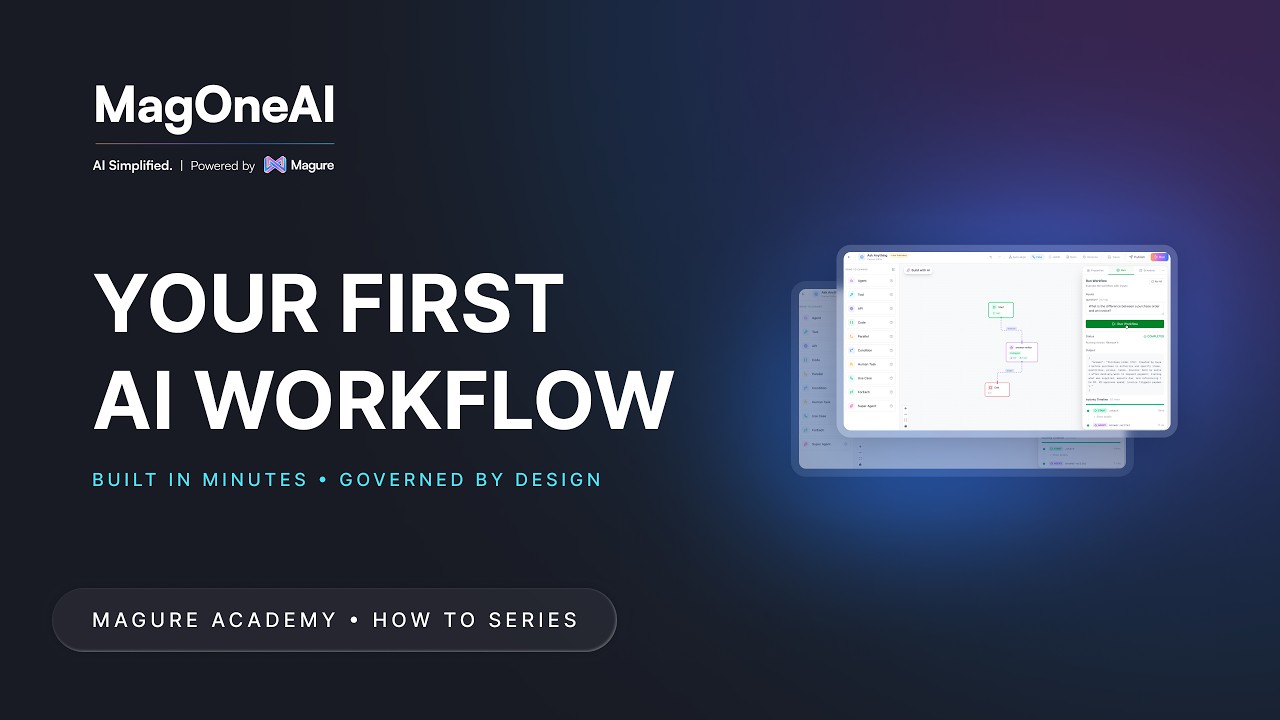
Build the smallest useful workflow (Start, Agent, End) from an empty canvas: define an input field, give the agent a job, map data between nodes with the variable picker, and run it against a real question.
4:12
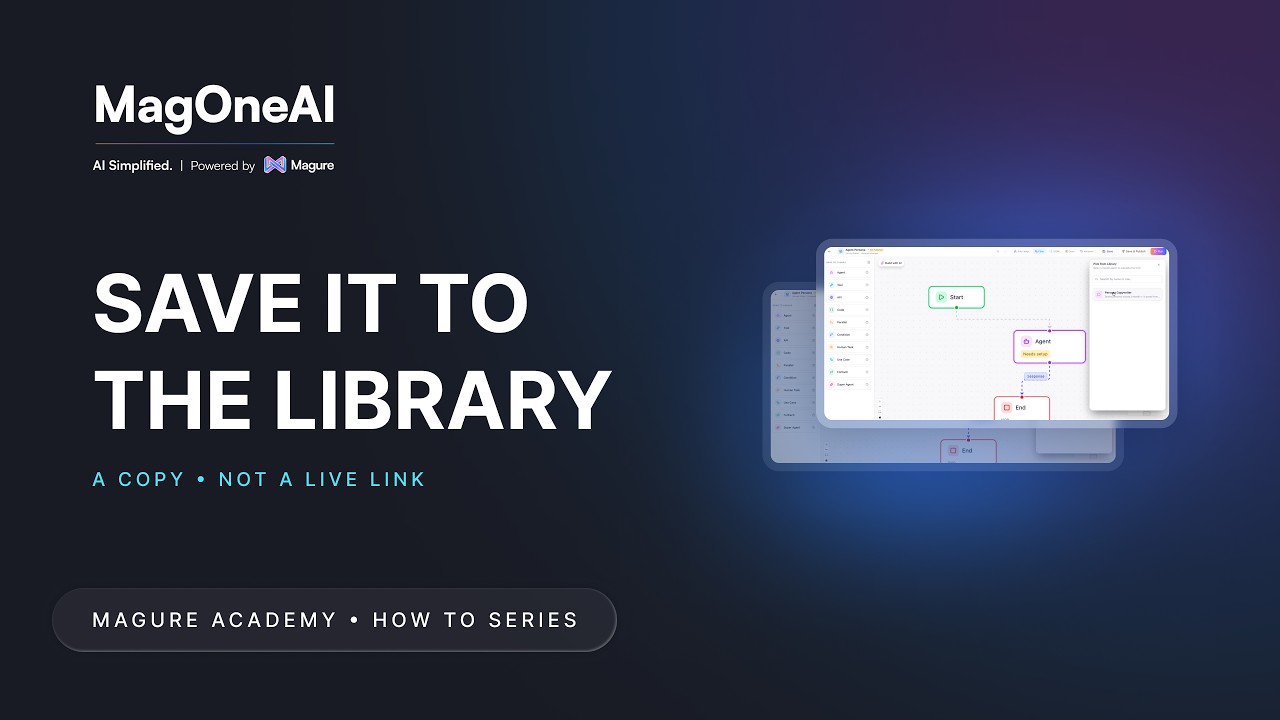
Save a configured agent to the library once, with its instructions, tools, knowledge, model settings and output schema, then drop a copy into any later workflow instead of rebuilding it from blank.
1:05
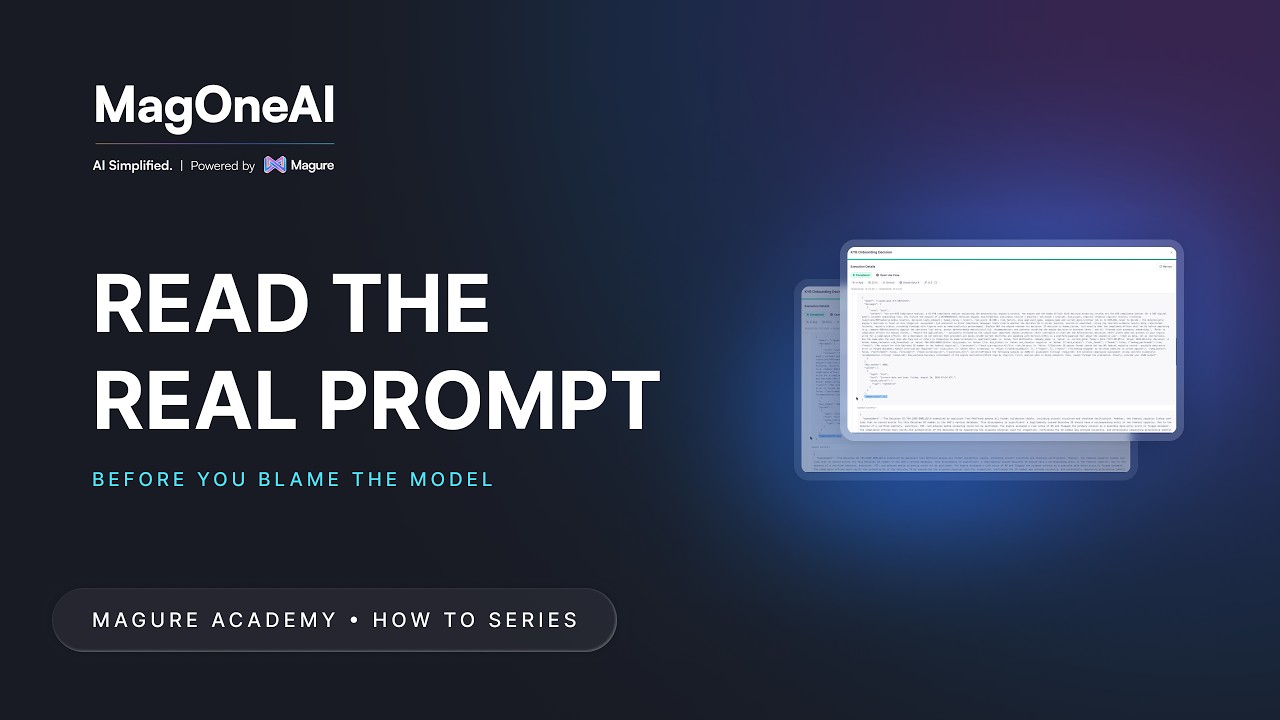
When an agent answers oddly, stop guessing. Open the execution and read the exact prompt that went out, every variable already filled in, alongside the raw output that came back.
1:01
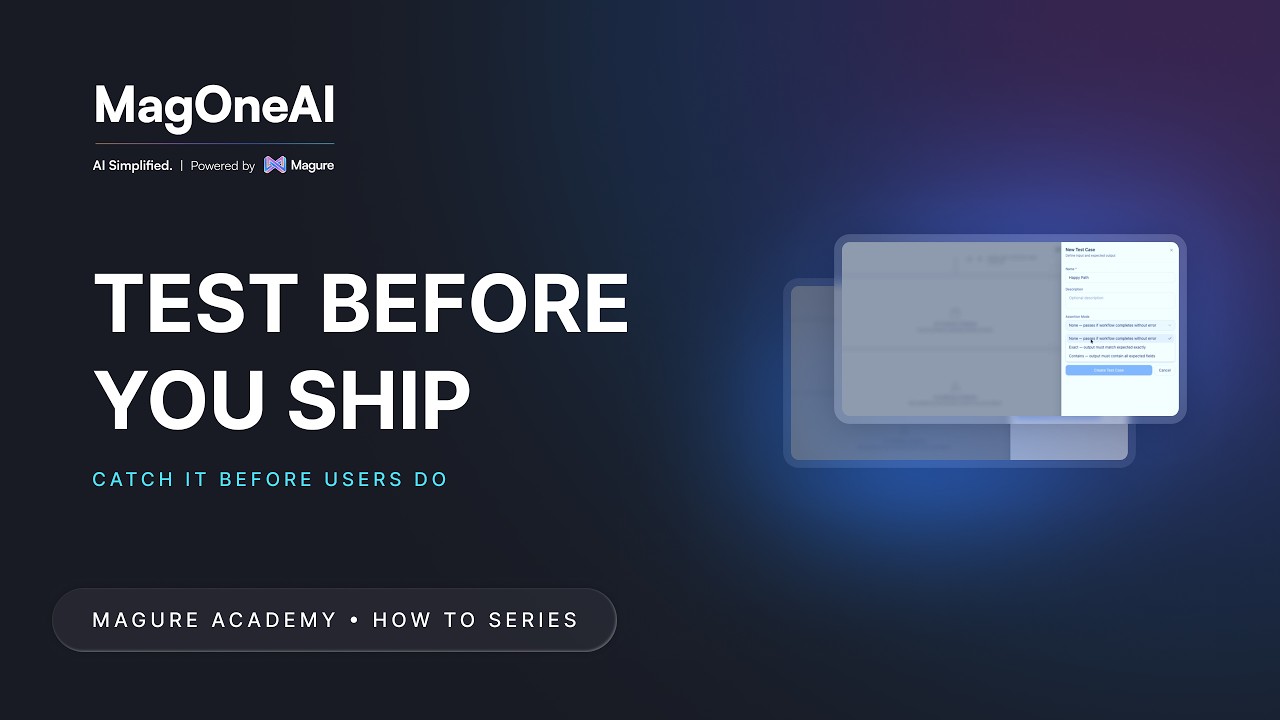
You improved a workflow this morning. Did you also break it? Save test cases with the output you expect, run them all before every publish, and download the report.
1:36
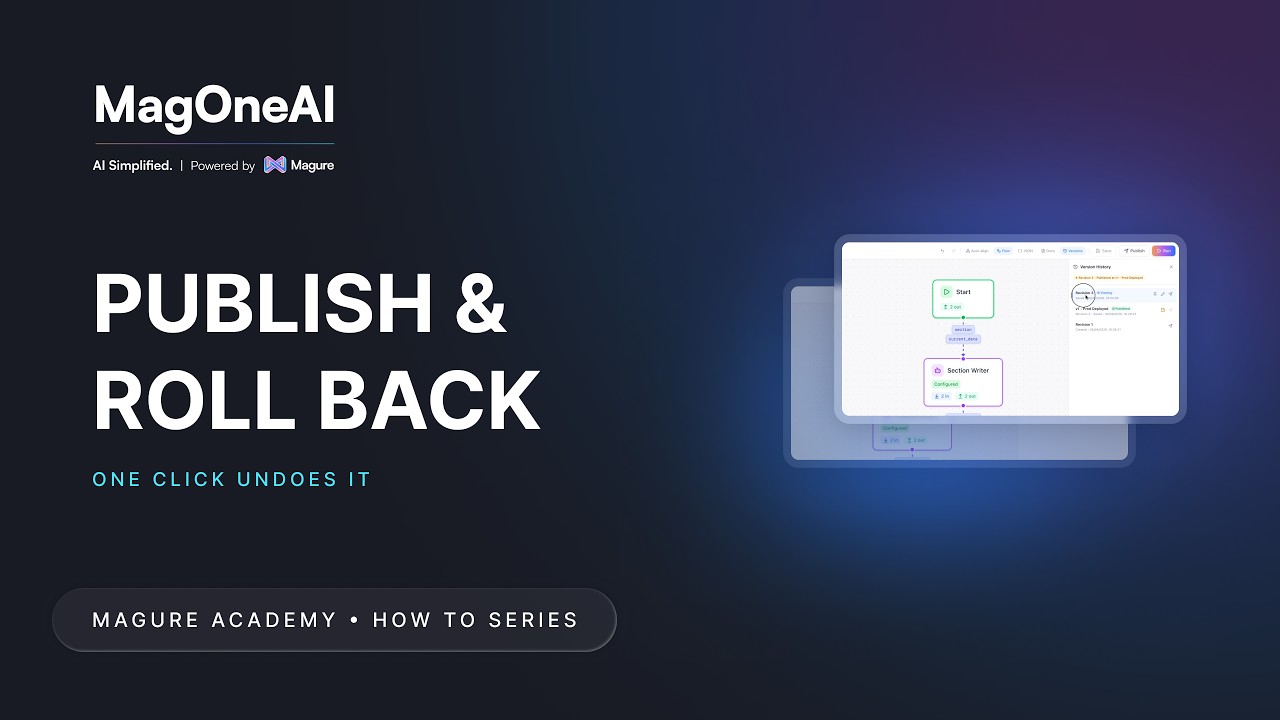
Your edits do not reach users until you publish. Label versions so they still mean something in three months, publish the one you want live, and roll back to a known good state in one click.
1:09
Another team wants the workflow you built, in another project. Export it as one file, import it where it is needed, and MagOneAI tells you exactly what still has to be wired up.
1:10
A schedule is a trigger with the workflow's inputs already filled in, because there is nobody there to fill in the form. Set when a run happens, bake in the values it needs, and manage every schedule from one view.
1:26
Create a scoped API key so an existing workflow can be called from your own systems, store the secret the one time it is shown, and revoke it cleanly when that integration retires.
1:38
The people who use a workflow are rarely the people who built it, and they should never have to see a canvas. In Hub, a published workflow is something you open, fill in and run.
1:12
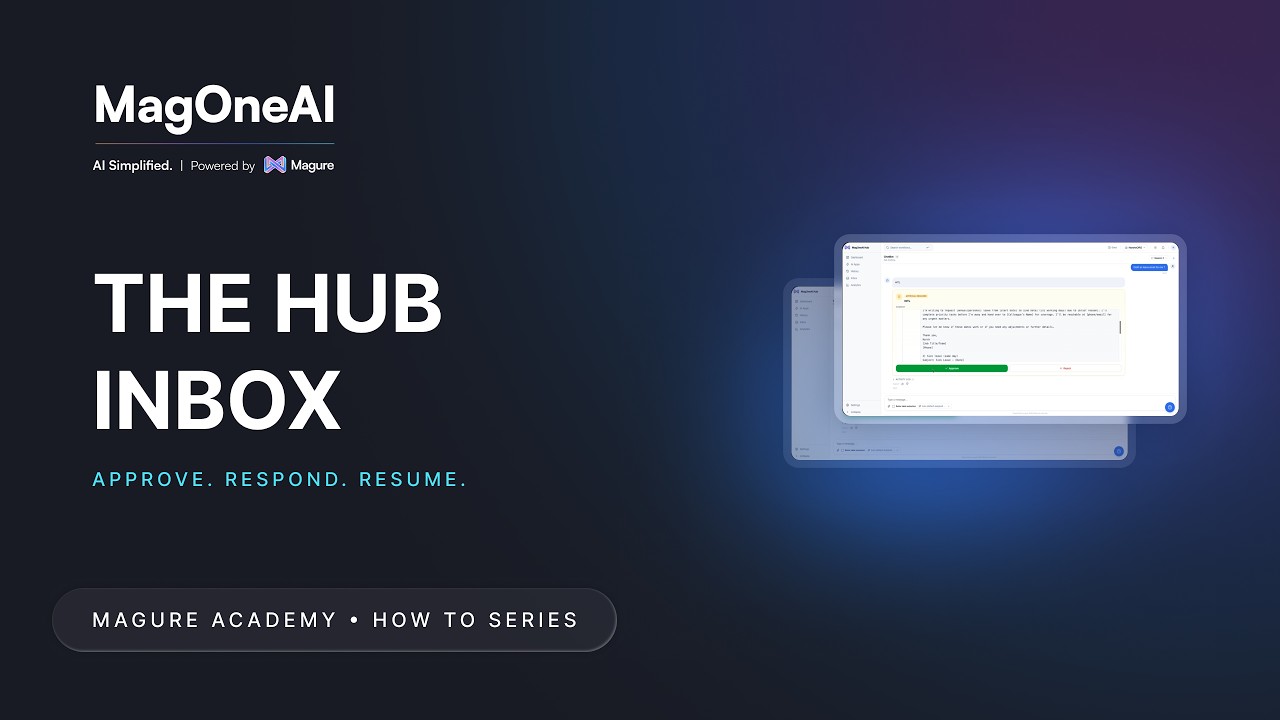
A workflow paused for approval is only useful if the approver can find it. The task lands in their Hub Inbox with the context they need, and one click carries the workflow on from where it stopped.
2:25
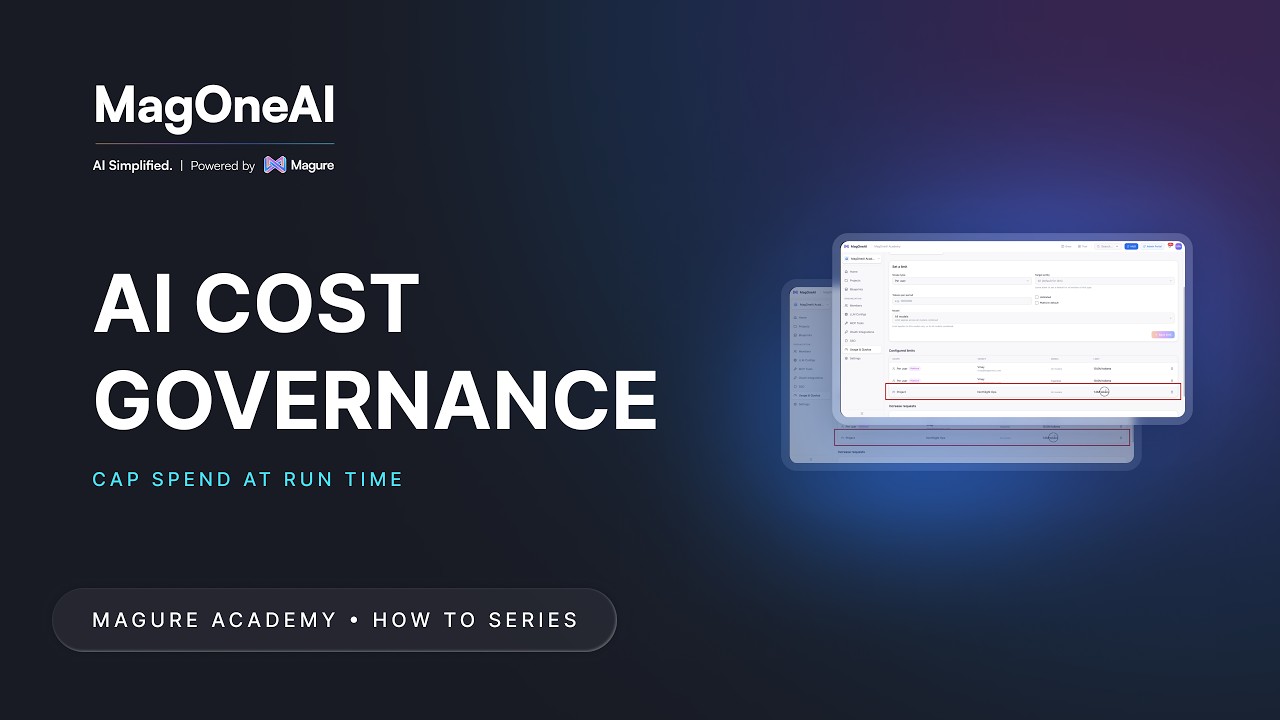
Usage is metered as it happens, not estimated. Set token limits at organization, project, use case or user level, see what enforcement looks like at run time, and handle the increase requests that follow.
1:23
Another platform should not mean another password. With SSO your people sign in with the identity they already use at work, and a new joiner gets access on their first sign-in.
0:41
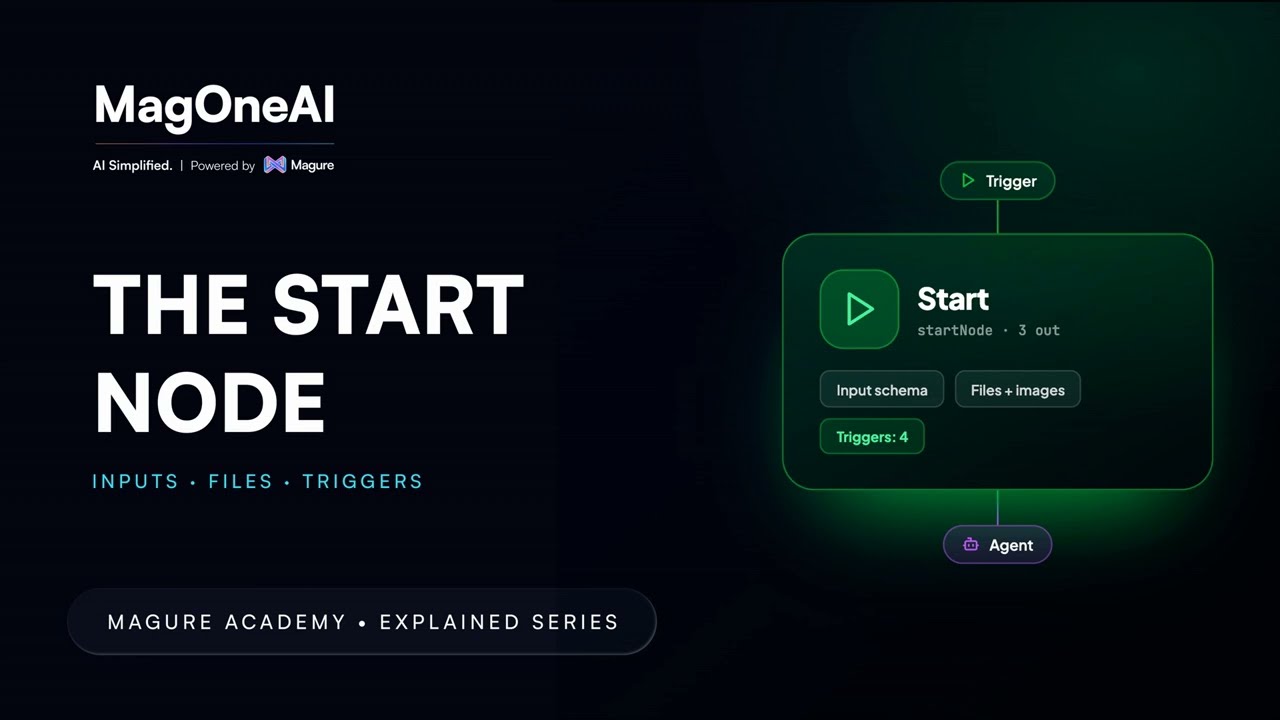
Open the Start node and declare what a workflow needs: pick the default model, choose how data moves between nodes, then define input fields (string, number, enum, array, object, image, media, file) with the constraints each type allows.
2:02
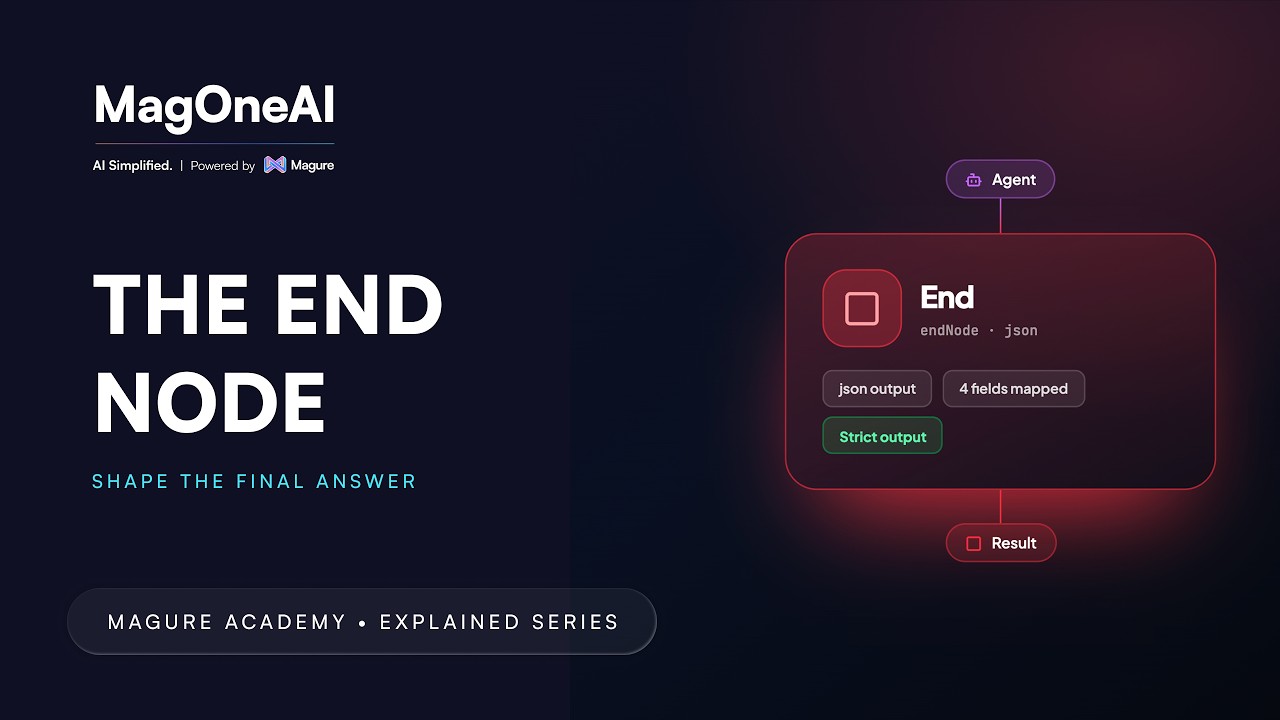
Define what a workflow returns: choose an output format, map exactly which fields reach the result, and decide whether strict mode limits the response to what you mapped or lets everything from the last node through.
0:48
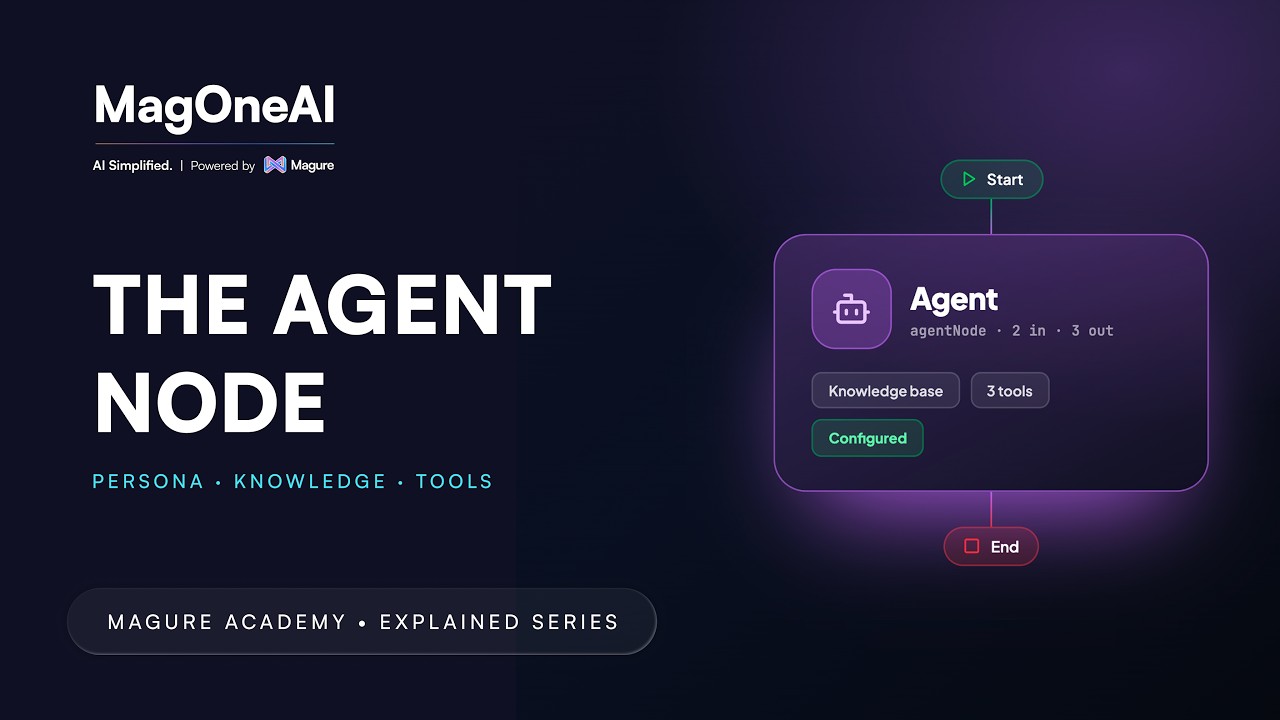
Everything else in a workflow moves data, calls systems or branches. Only the AGENT node reads, decides and writes in language: an instruction, a model, and whatever knowledge or tools you attach.
2:26
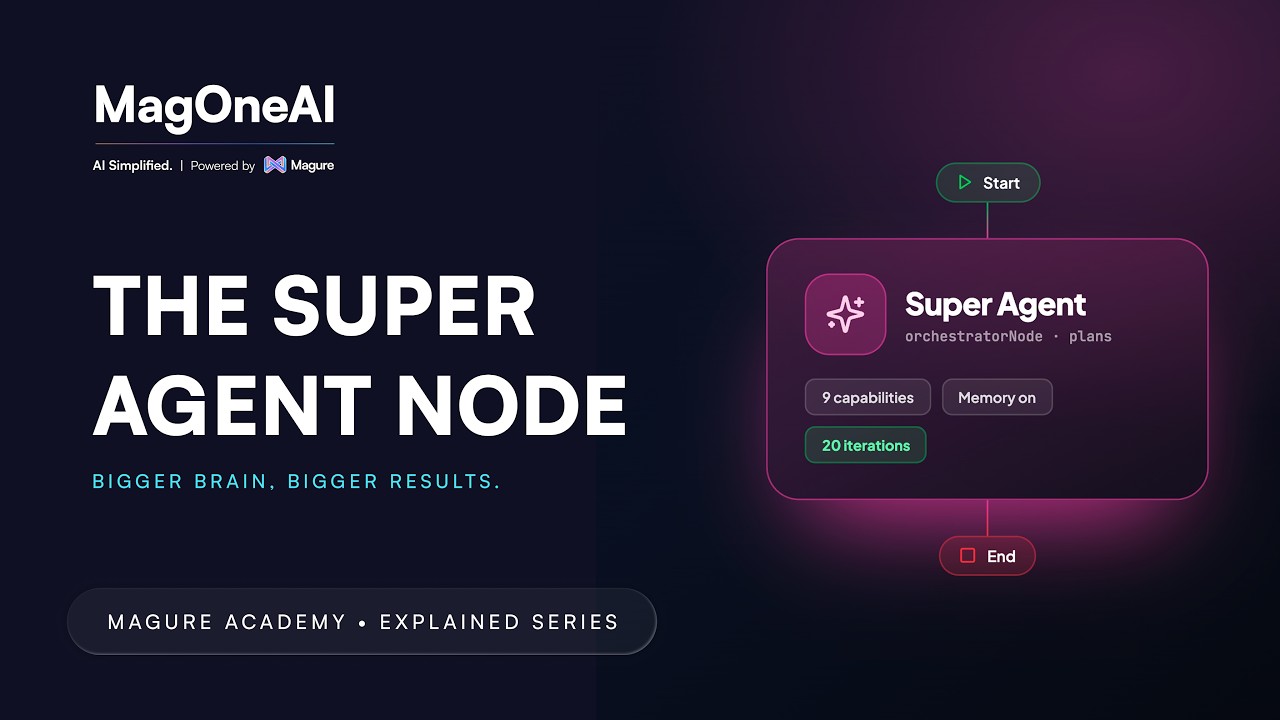
Instead of one enormous instruction, a SUPER AGENT holds several specialist agents as delegates and decides which one answers which part of the question.
2:50
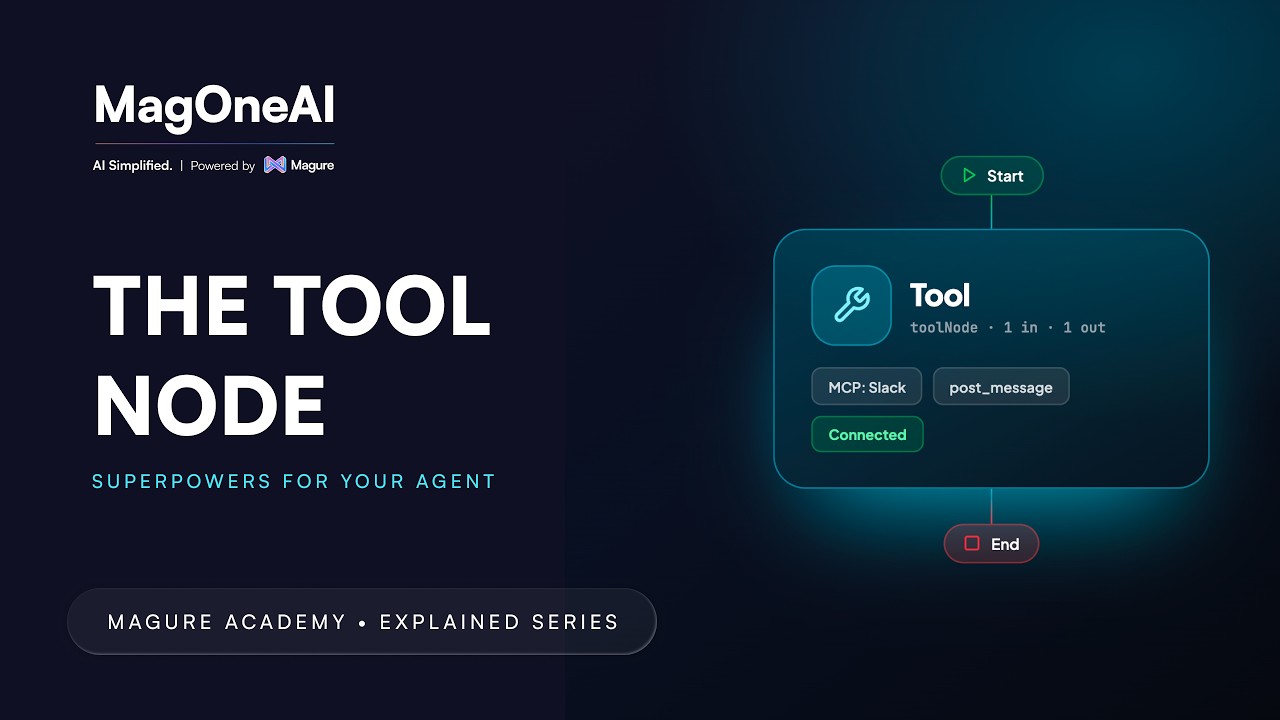
Call a system or MCP tool with no model in the loop. Pick the tool, whether that is a database query, a web search or a calendar, watch the configuration change to match it, and set a timeout so a slow tool cannot stall the run.
1:34
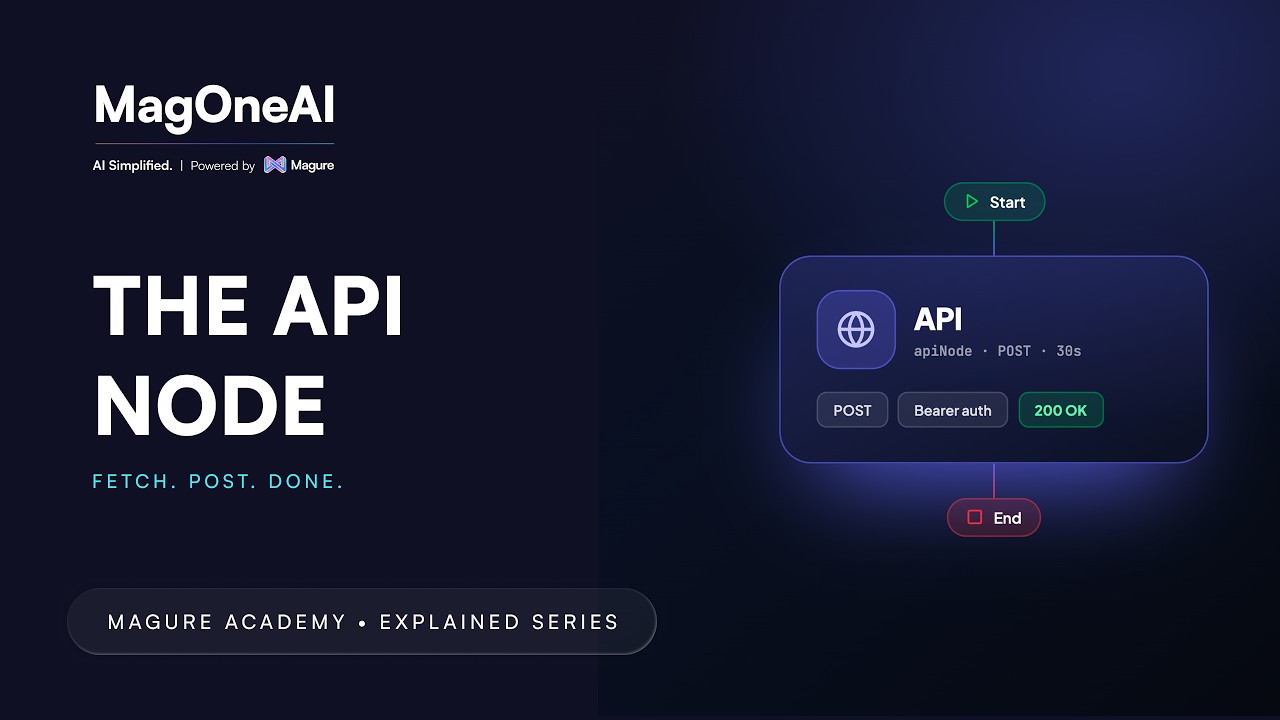
Call a third-party REST API straight from the canvas: method, URL, query parameters, headers and body, then the settings that keep it safe in production: timeout, max response size, redirects, and which status codes count as failure.
1:44
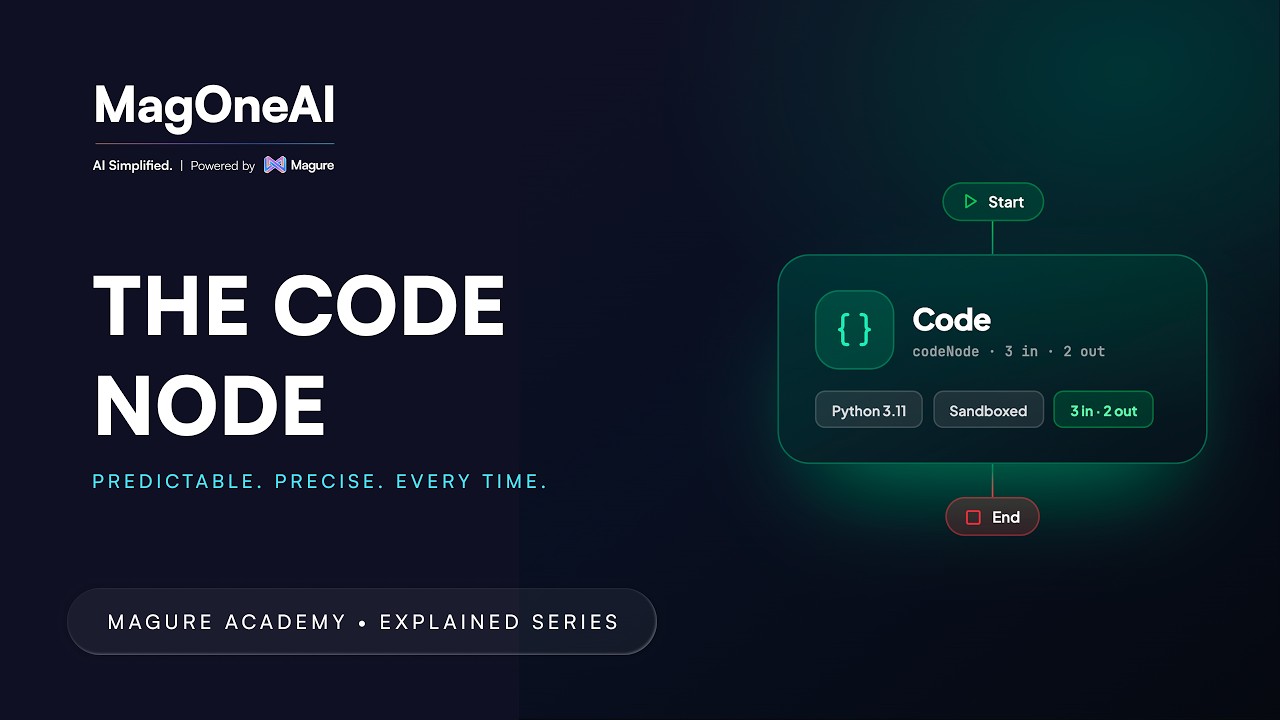
Run sandboxed code instead of prompting for it. Declare an input model and an output model, then write the logic, reading from inputs and assigning to the output, for the parsing and transformation a language model has no business doing.
1:08
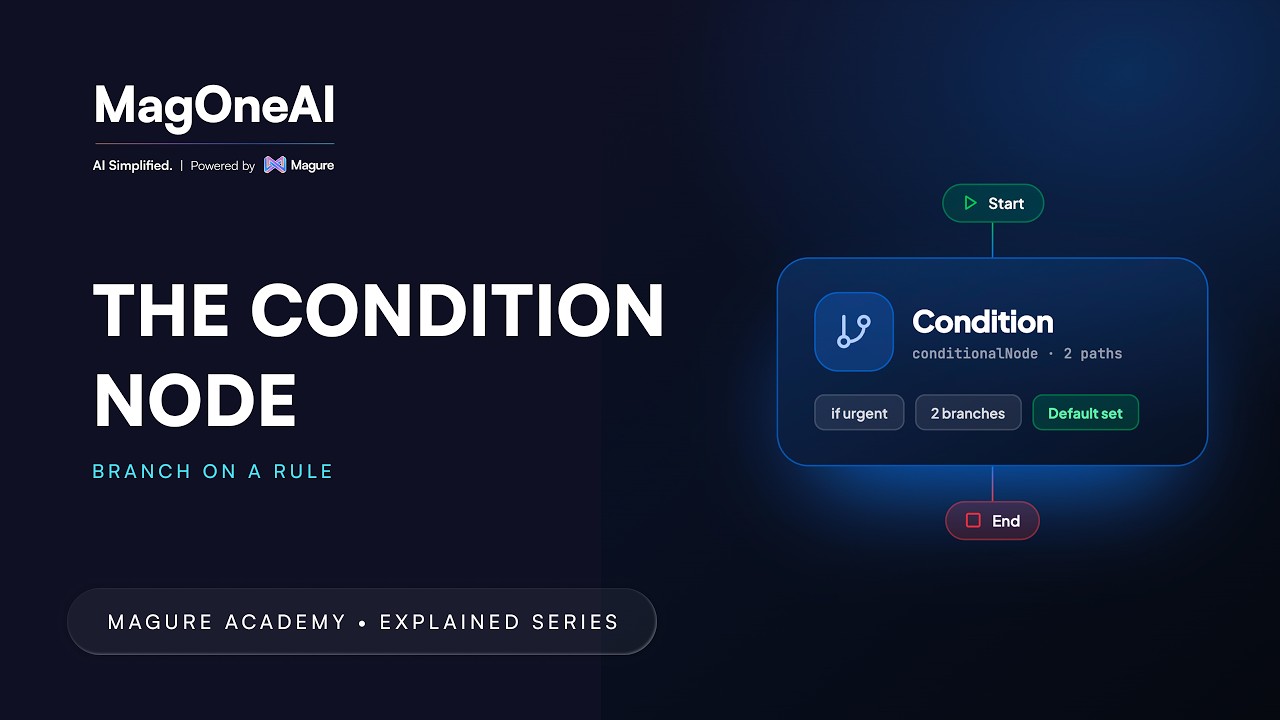
Branch a workflow three ways: compare a variable, evaluate an expression, or let a model sort the input into buckets you name. Includes match-per-route, for several branches out of a single node.
2:16
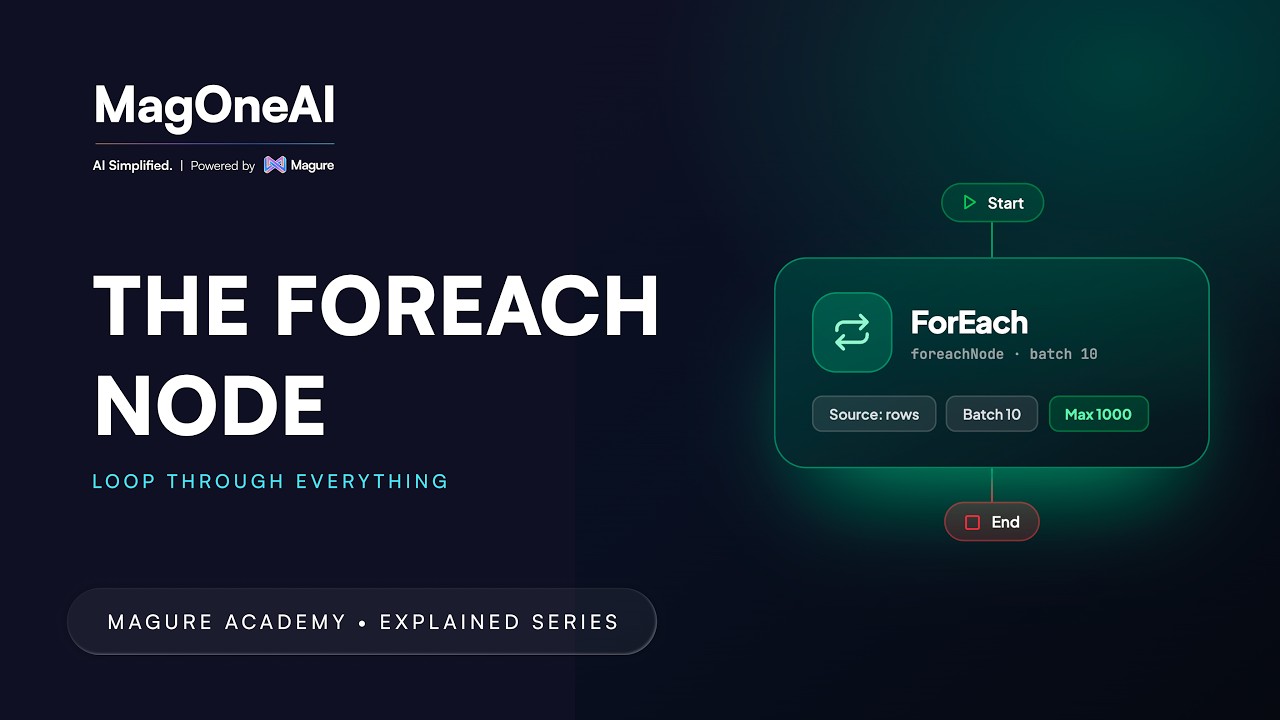
Point a FOREACH node at any list and it repeats one child run per item, in parallel, so one bad row never touches the rest.
2:10
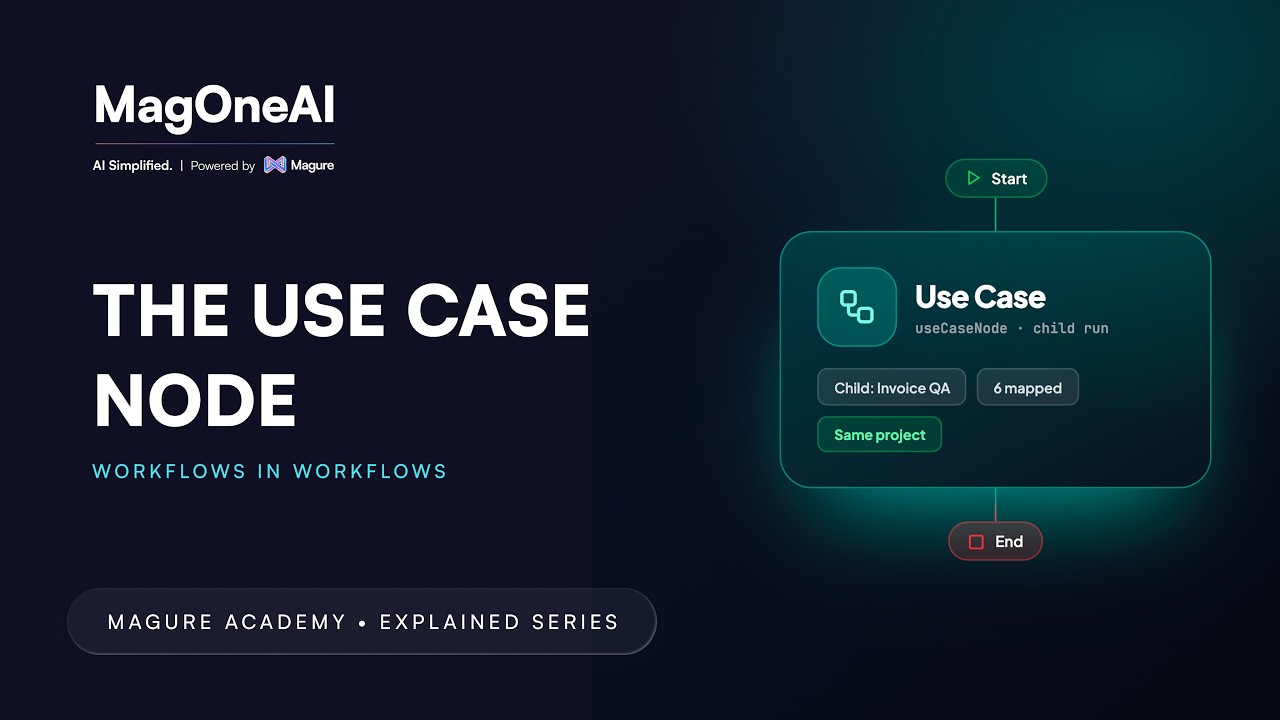
When two workflows need the same check, the copies start to drift. Build it once and call it as a single step: the child's START inputs become the node's inputs, and its END mapping becomes the node's outputs.
1:38
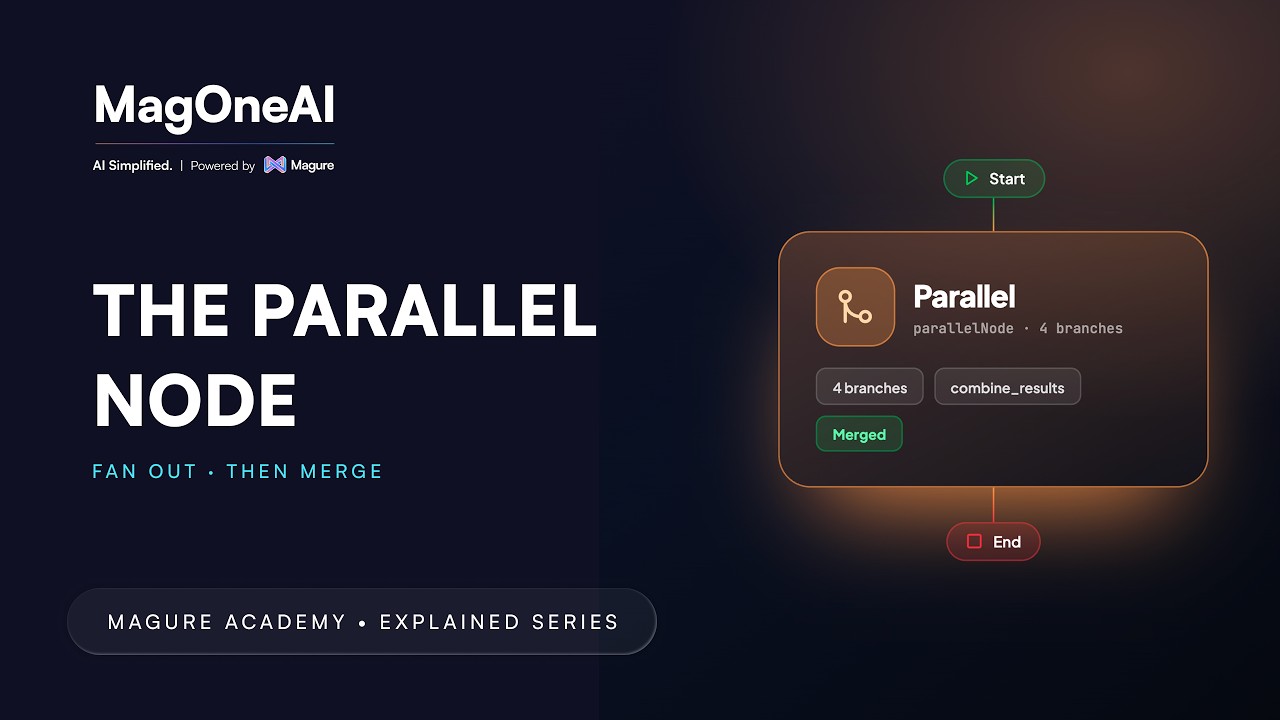
Run agents at the same time instead of one after another. Give each its own branch, add conditions if a branch should only sometimes run, then choose a merge strategy for how the results come back together.
1:26
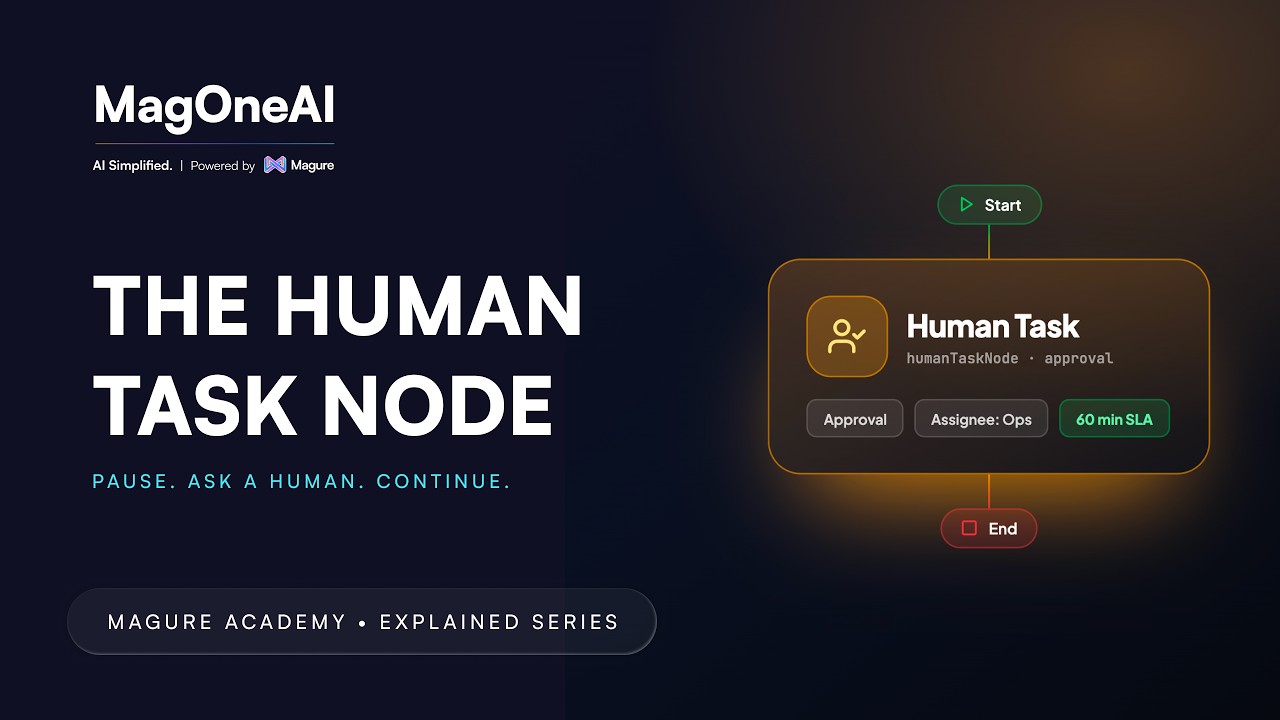
Pause a run and ask a person. Set up an approval or a clarification task, choose who it goes to and what context they see, then route the workflow on the answer that comes back.
1:25
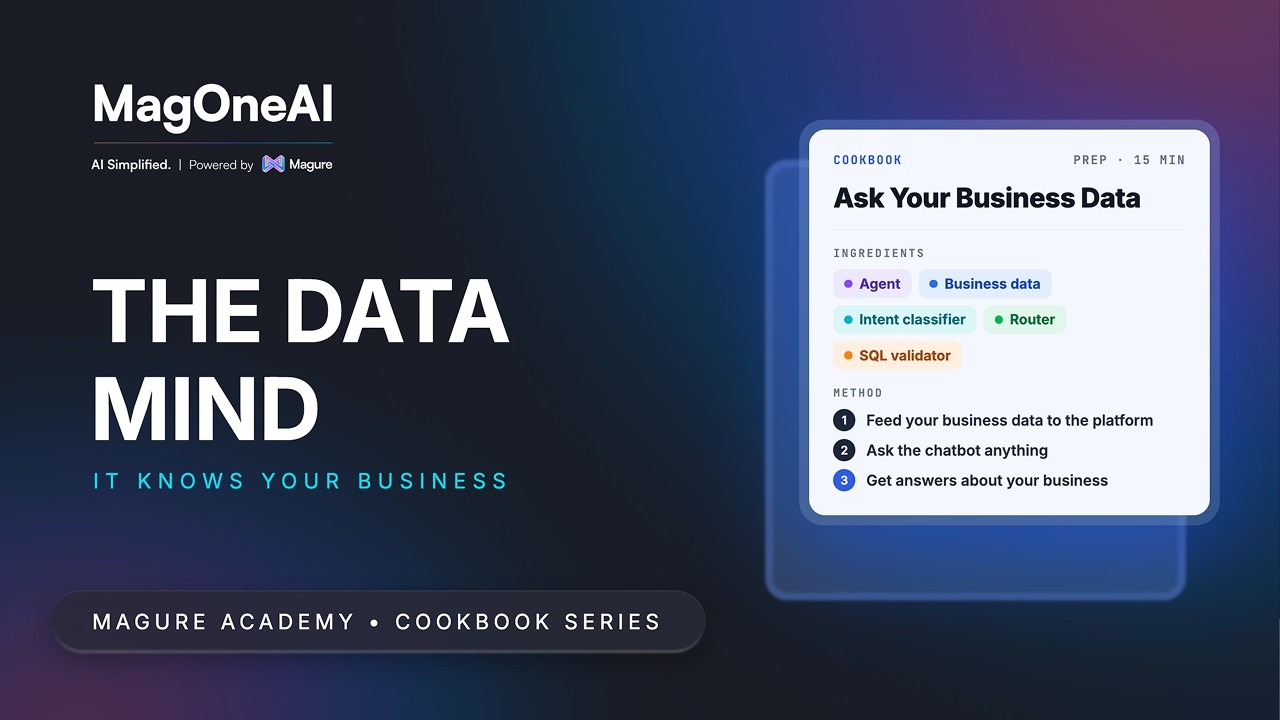
Ask a question about your business in plain language and get an answer from your own database: an intent classifier reads the question, a router hands it to a specialist agent, and a validated SQL query does the rest.
1:10

Pull the requests your web application firewall blocked, compare them against your platform's real endpoints, and let an agent decide which blocks are false positives, then email the findings to the people who can unblock them.
1:43
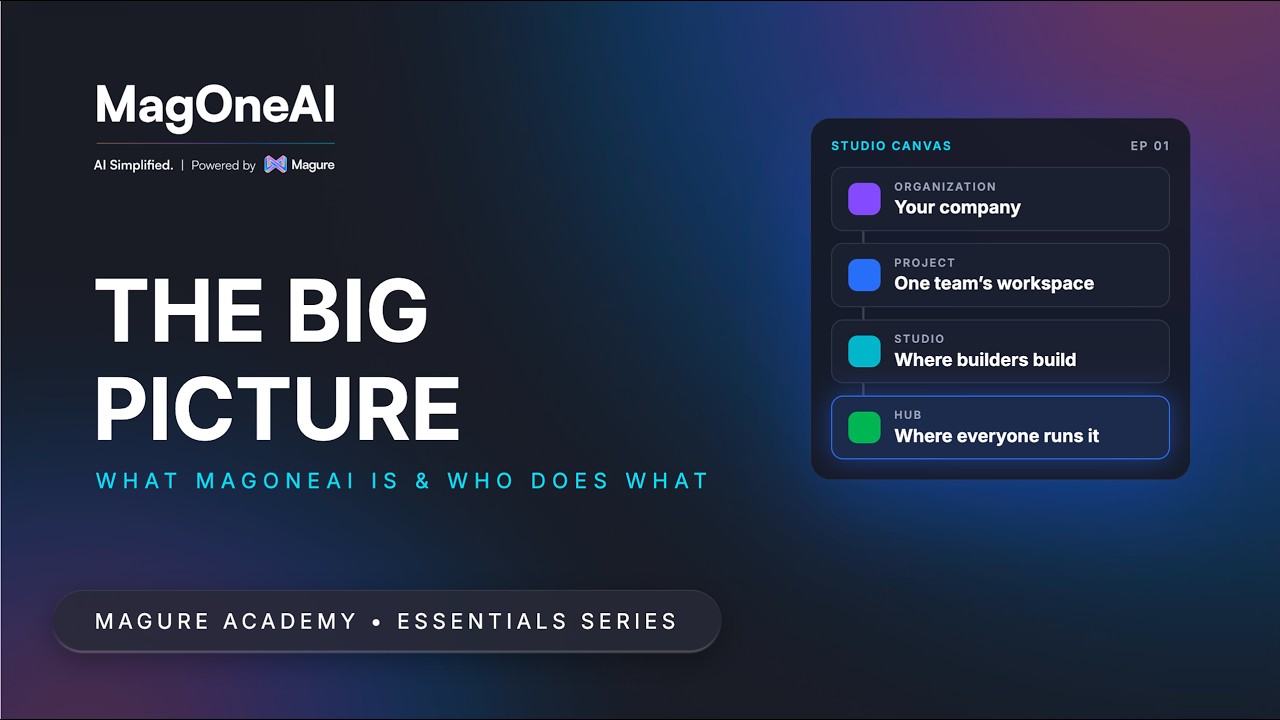
The mental model behind every MagOneAI workflow: the five nouns the platform comes down to, what happens when a workflow runs, and who builds in Studio and who runs in Hub.
9:31
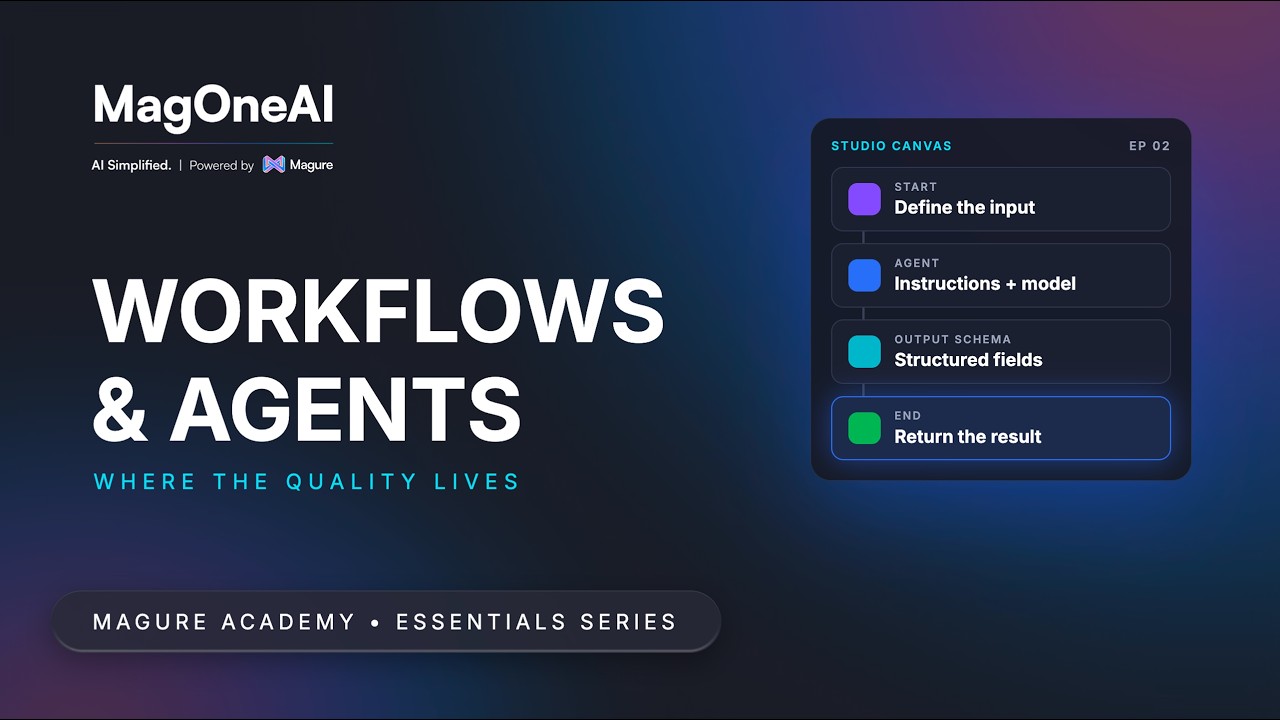
Most of the quality in an AI workflow lives in how you configure and instruct the agent. The canvas first, then the agent, with two labs to build along with.
12:11
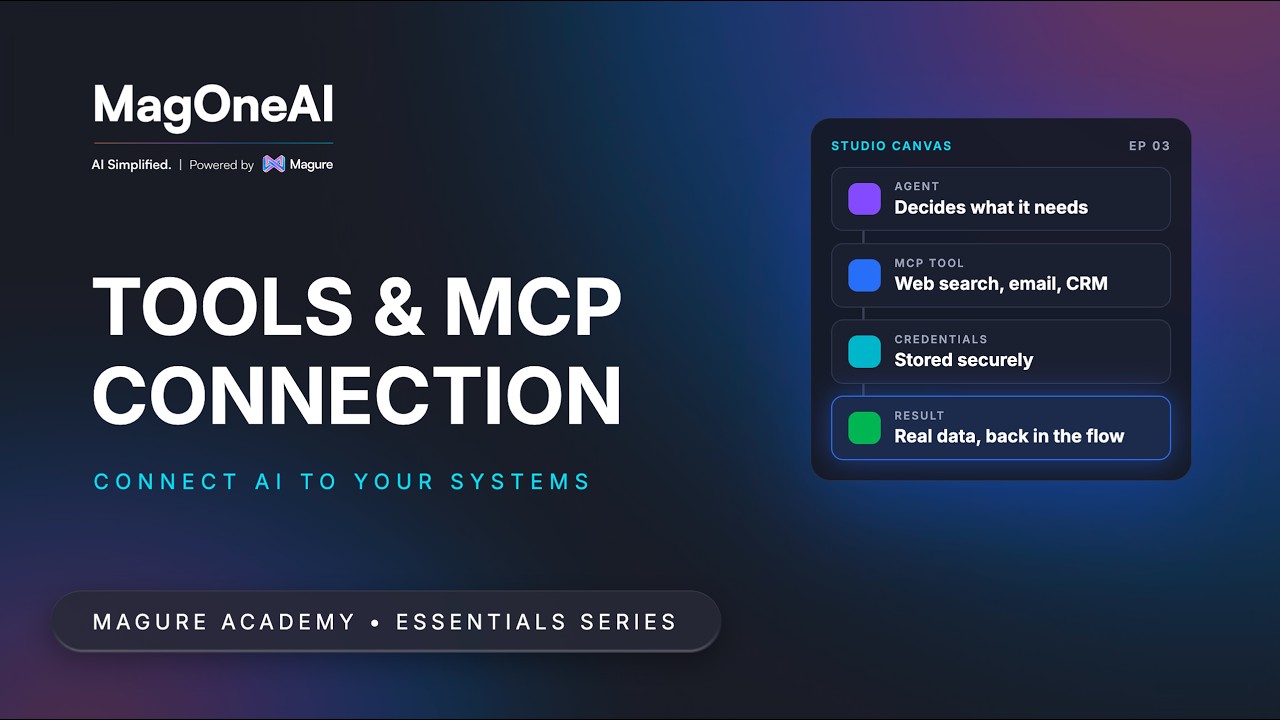
A model can only produce text. Tools are how a workflow reaches the outside world, and one sentence explains most tool failures you will ever see: MCP servers need credentials.
6:30
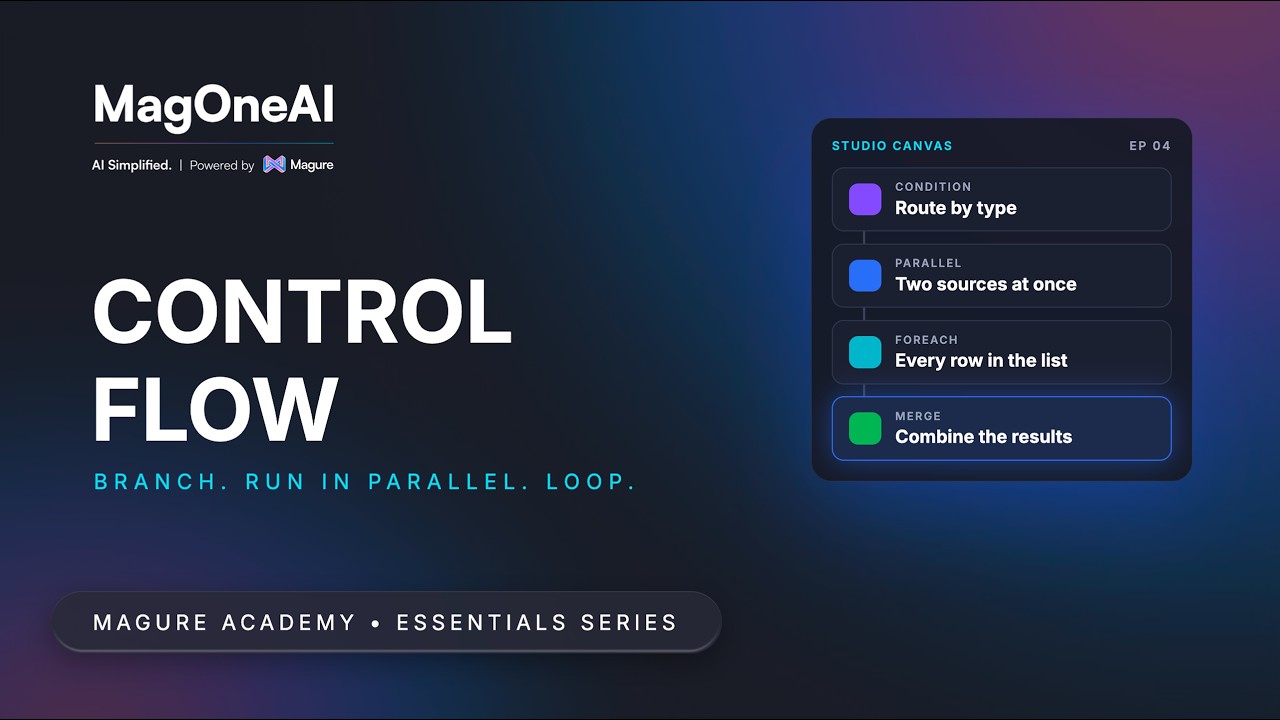
Condition and Parallel look almost identical on the canvas and do different jobs. One is routing, where exactly one branch runs; the other is concurrency, where any number can.
5:08
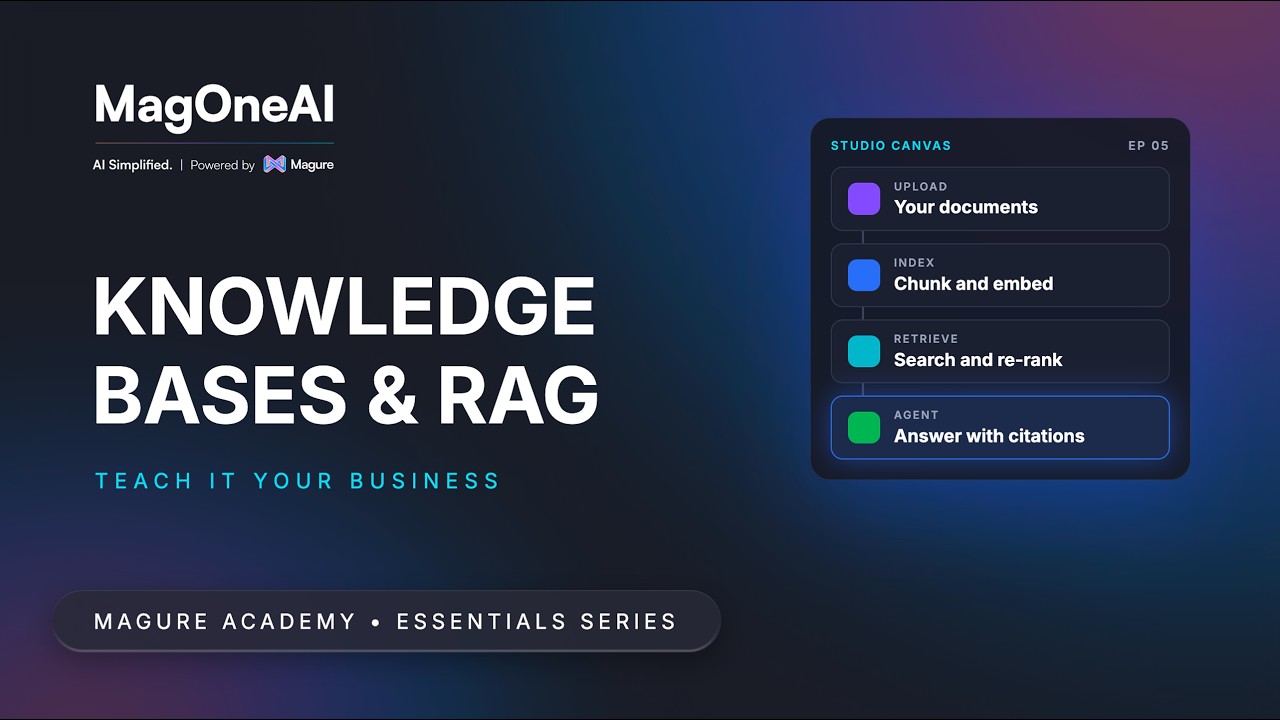
A model does not know your pricing policy, your product manual or your board pack. A knowledge base grounds the agent in your documents, provided its instructions forbid answering beyond what was retrieved.
6:23
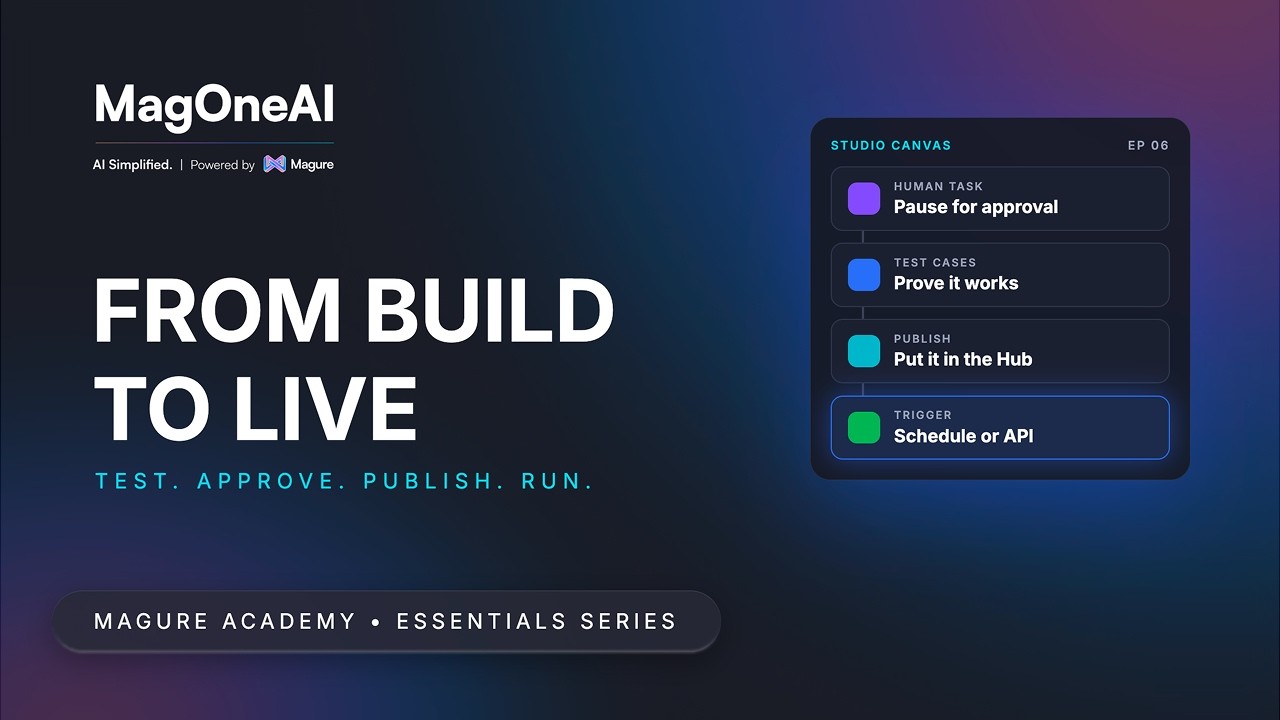
The stretch from a clever prototype to something you would put your name on: files, approvals, dynamic values, tests, publishing, and what to do when a live run breaks.
17:58